|
|
Replace Faces
Replace the reference faces with target faces.
-
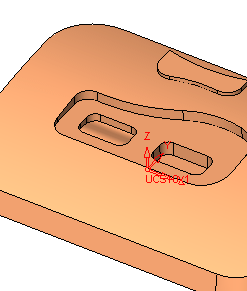
Open the Extend_object1.elt file located in the following folder:
\\Cimatron_Documents\Tutorials\Cimatron_2025.0_Workfiles\Design -
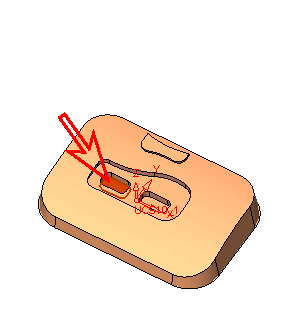
Select the Extend Object option and select the face indicated by the arrow in the picture below and Exit.
-
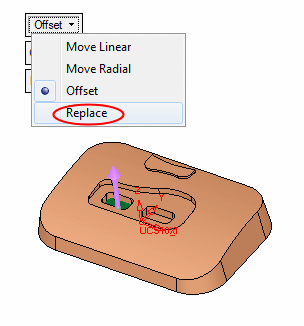
Select the Replace option as follows:
-
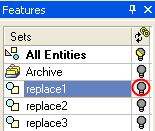
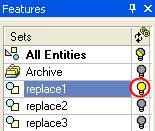
Unhide the replace1replace1 set.
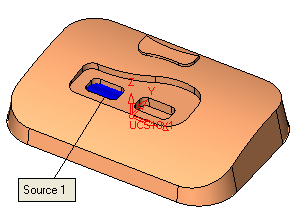
-
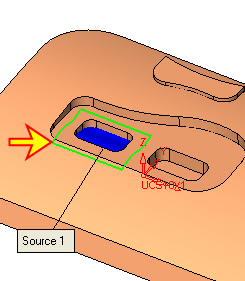
Select the blue face as the target face, and click Apply.
-
Hide the replace1replace1 set.