|
|
Rounds
-
Select the line below, and within the Round function, set the parameters as follows:
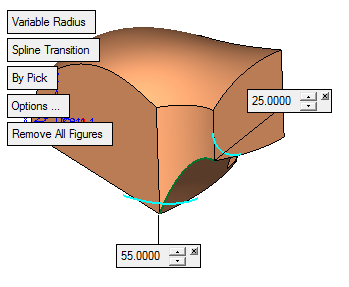
Here, you can also experiment with the differences between the linear and spline transition options.
-
Press the OK in the Feature Guide.
-
Create the following round:
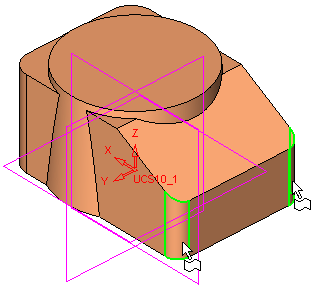
-
Instead of pressing OK in the Feature Guide, press the Apply iconApply icon
 .
.
Now, the above round has been accepted and the next round can be created without exiting the round function. -
Create the following round:
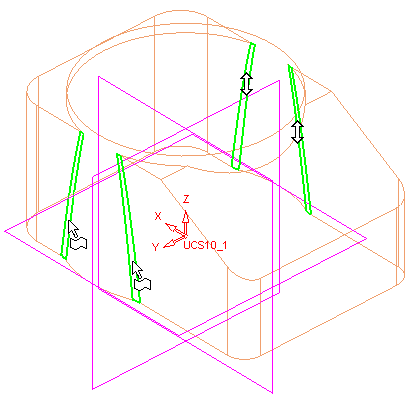
-
Exit the Round function by pressing OK in the Feature Guide.


