|
|
Shank and Holder Advanced Step 11
-
Open the Output Pane to view the minimum required clear length of the cutter.


-
Edit the procedure.
-
Access the Shank and Holder dialog. Note that the option, Create as Regular Motion, is available only if Calculate Minimum Length is marked. In this case, the system will create all motions as regular motions, taking into account that the cutter will be replaced later as recommended.
-
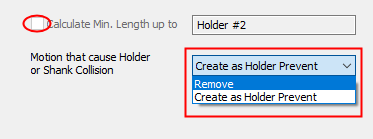
Unmark the Calculate Min. Length Up To Shank #2 option.
Only two options are now available.
Select the option, Create as Holder Prevent.
-
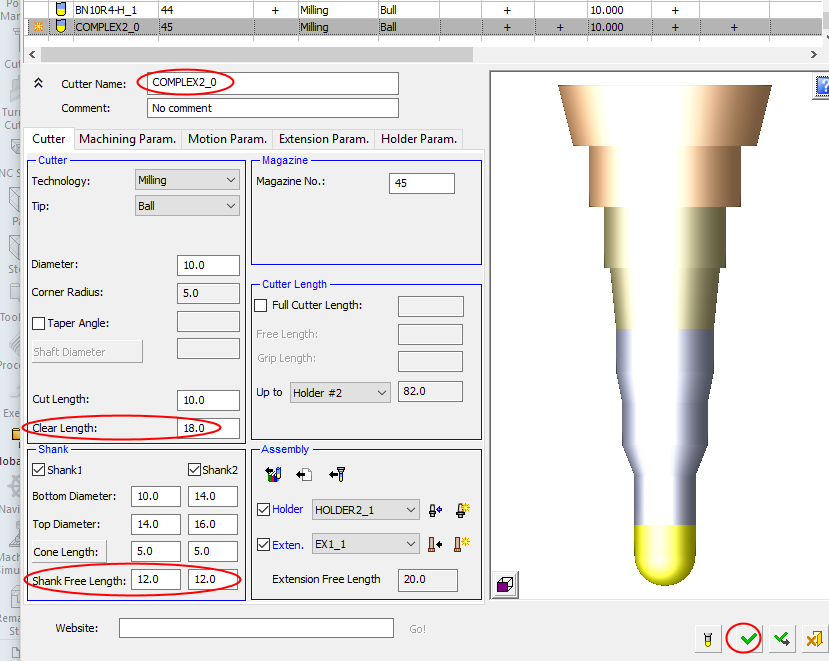
Create a new cutter as shown in the following image.
Clear length + shank#1length = shank#2 length > 38
-
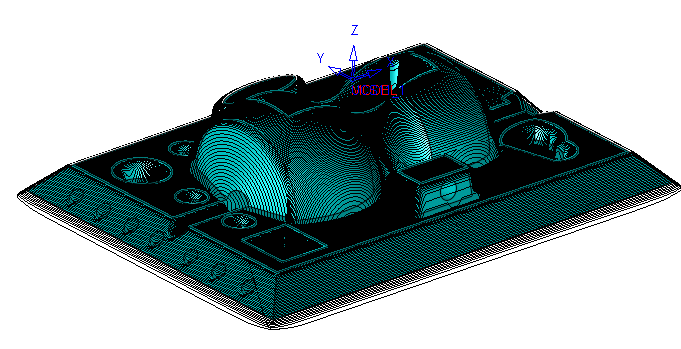
Save & calculate the procedure. Note that there is no unmachined area in the tool path.
-
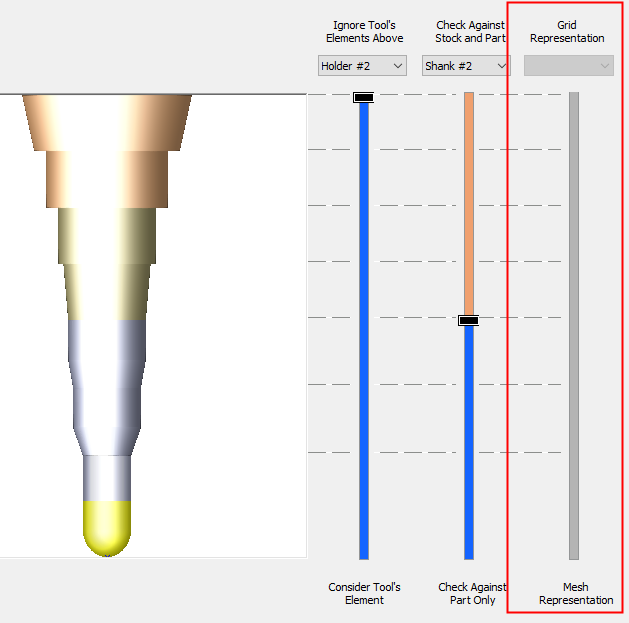
Note that other procedures may display a different status of the dialog. For example, in Volume Milling \ Rough, the elements are always checked against grid representation of the part and stock. Therefore, the third slider is grayed out.