|
|
Shank and Holder Use Step 5
The third slider defines the calculations accuracy.
Elements above the slider handle (ORANGE) are checked against grid representation of stock and part.
Elements below (BLUE) are checked against mesh representation of stock and part.
Checking against mesh requires more calculation time and provides a more accurate and tight result than against grid. The higher the slider is set, calculation time increases and the result is more accurate.
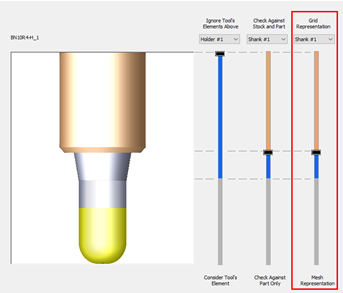
Note that the cutter is always checked against accurate part according to the defined tolerance in the table parameters.
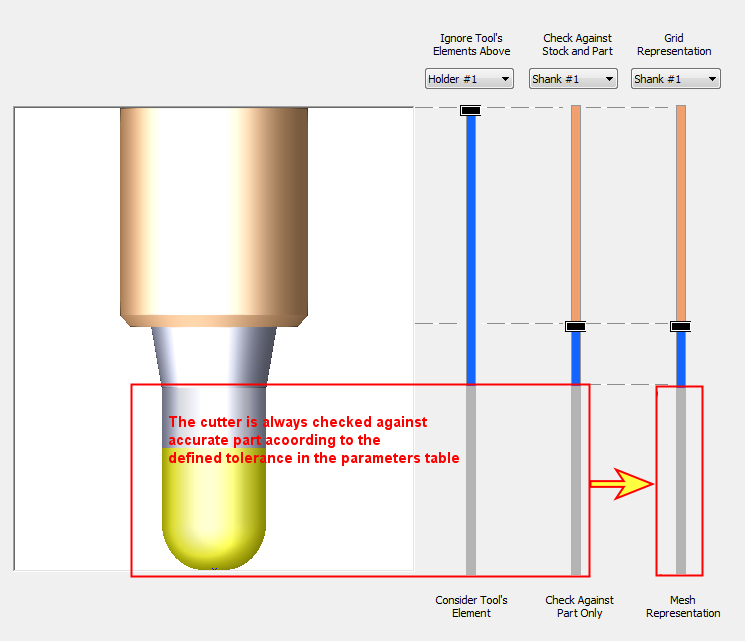
We will describe this dialog in more detail in the next step.
-
Exit the dialog.
-
Set the Shank & Holder parameter to Use.
By default (in Use> option), motion that causes Holder or Shank Collision will be removed from the TP. -
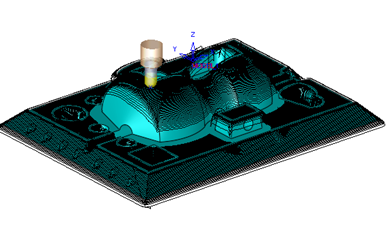
Save & calculate the procedure. Notice the motions that were removed due to collision.