|
|
Step 1 - Surfaces Paths
Geometry and Cutter
-
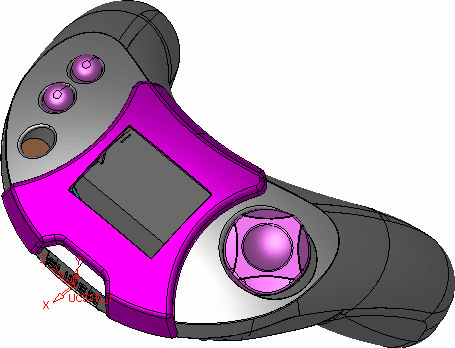
Open the AS_Ex1.elt file.
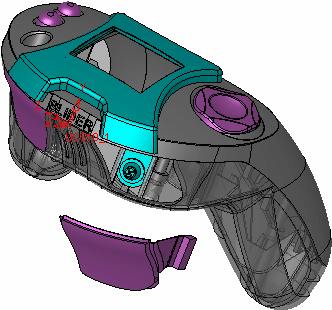
In the first step, you will create motions as shown in the picture above. Unidir motions are motions that proceed around the cylinder with 10 mm space between each other. -
Create a new 5X Production Pro procedure.
Under Geometry, there is a Drive Surfaces parameter. Do not select any geometry.
The look of the Geometry selection screen changes according to the machining strategy that will be chosen in the next step. Since you do not know what is required yet, it is better not to select any Geometry at this stage.
The relevant selection options will be available later on. This screen will be useful for editing the Geometry selection, if required.
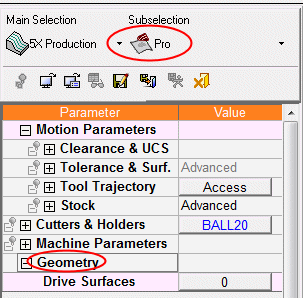
- Select the Ball20Ball20 cutter.