|
|


Stretch by region
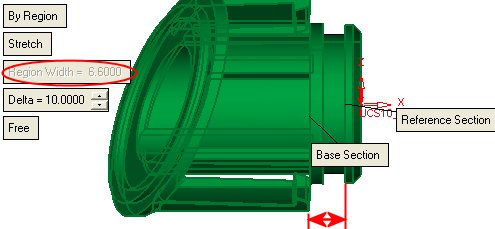
In the same way you may stretch a region (between two planes), that region will be stretched in a linear proportion while the rest of the body remains with no changes
 Edit the previous feature.
Switch from By Selection to By Region. Make sure the Stretch option is on (and not the shrink option).
Select the Base Section and the Reference Section as indicated by the arrows in the pictures below:
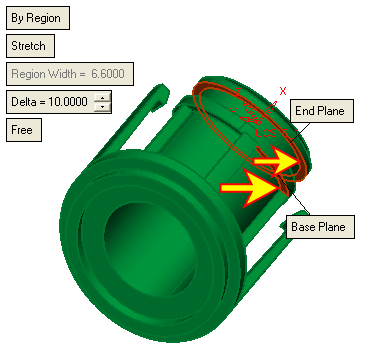
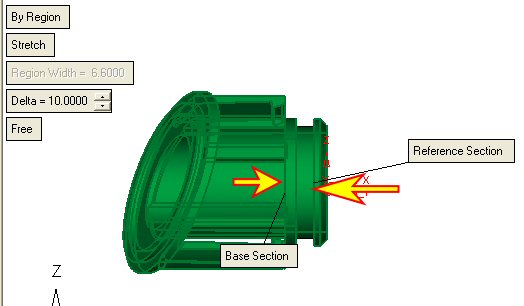
 The direction of the stretch is done from base section toward the Reference Section.
The selected Sections must be parallel to each other
Select OK.
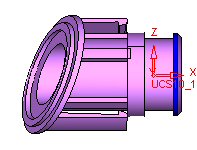
The Region width displays the value of the region width before the stretch operation