|
|
Extrude
Throughout the tutorials, the Extrude function is used. Below are a few options available with this function.
Through
-
On the XY plane, draw the following ellipse.
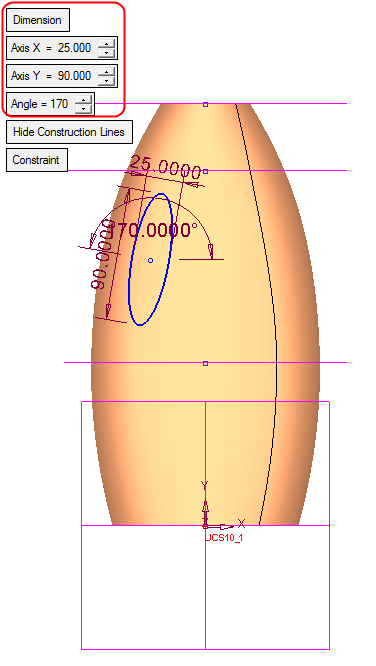
Use the Dimension option to set the defined ellipse.
-
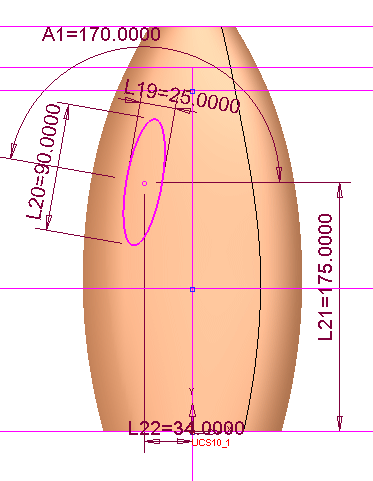
Add the dimensions as follows:
-
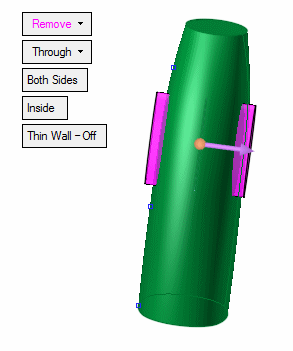
Select Solid > Extrude > Remove and extrude the sketch through both sides.
-
Add the following rounds to the extrude:
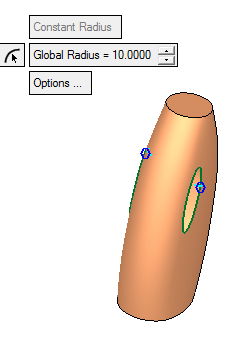
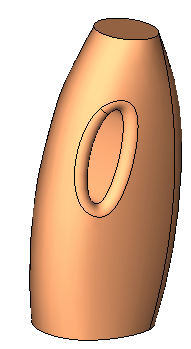
The result appears as follows: