|
|
Tilt From Point Away
-
Show the SET center point.
-
Edit the procedure.
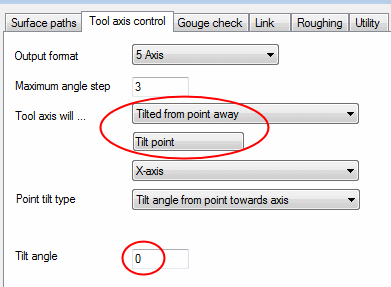
Set the Tool Axis option to Tilt From Point Away. -
Click the Tilt Point button.
-
In the Point dialog, click the Browse (…) buttonBrowse (…) button
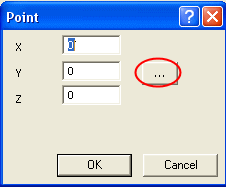 and select the pointpoint at the center of the cylinder axis.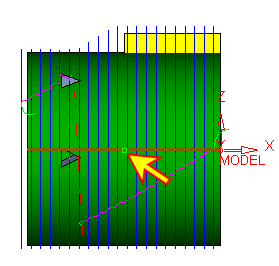
-
Select the following options in the Gouge Check tab.
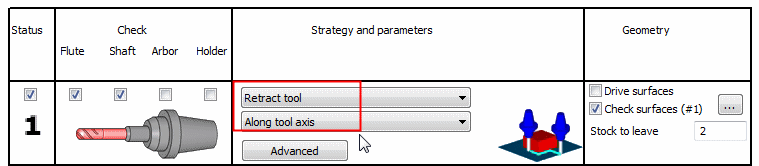
-
Execute and view the results.
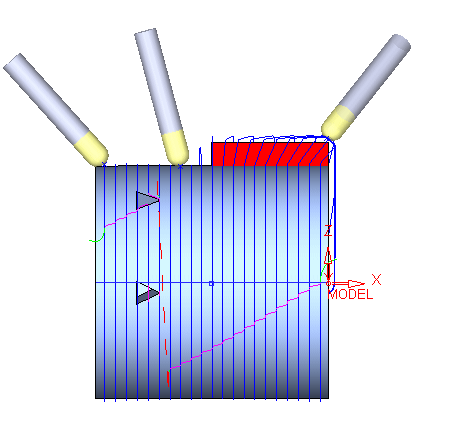
Notice that at all positions of the tool axis are pointing toward the point picked.