|
|
Advanced Options
Flip Step Over
-
Edit the procedure.
-
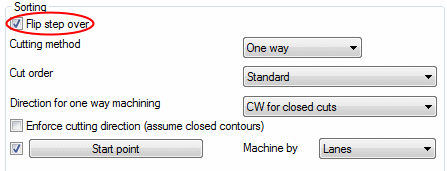
Mark the Flip Step Over checkbox in the Surface Paths tab.
-
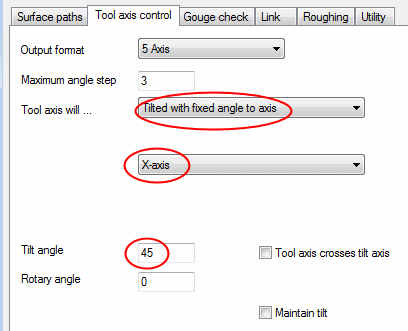
In the Tool Axis Control tab, set the following options:
-
Tilt with Fixed Angle to X-axis
-
Tilt Angle to 45.
-
-
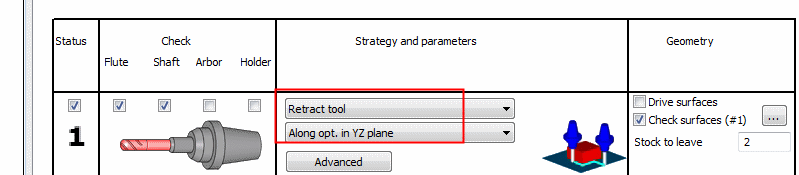
In the Gouge Check tab, select the following options:
-
Execute and view the results.
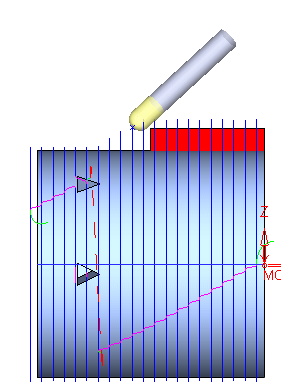
Notice that since the Flip step over option is selected, the machining starts from the other side. In order to prevent the gouging of the check faces (box), the tool moves away from the geometry and all these movements are performed on the YZ plane, maintaining a constant X value.


