|
|
Using Segments
Using Segments Step 1
-
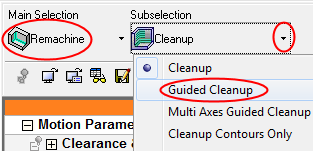
Start a new procedure. For technology, select Remachine > Guided Cleanup.
This is a 3X (3+2X) procedure for using the pre-defined Remachine segments.
-
Ensure that the BALL 10 cutter is selectedBALL 10 cutter is selected.
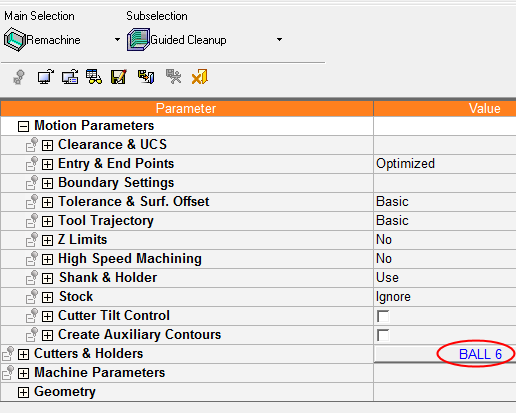
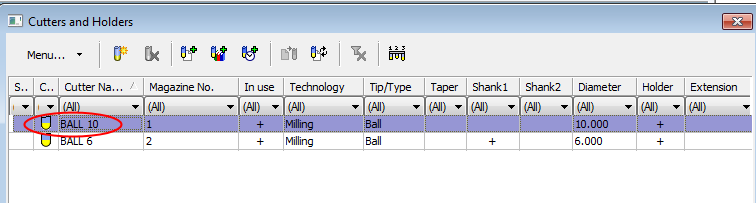
This is the cutter that was used to verify the segments earlier. Note that the system does not restrict the use of this cutter only. The user can select any other (reasonable) cutter.
-
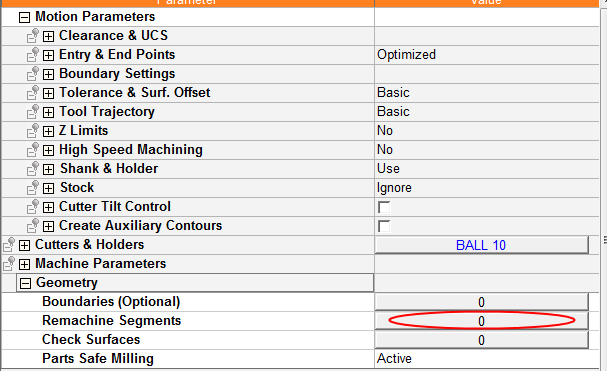
For Geometry selection, click on the new Remachine Segments option.
-
The Remachine Segments Table opens.
-
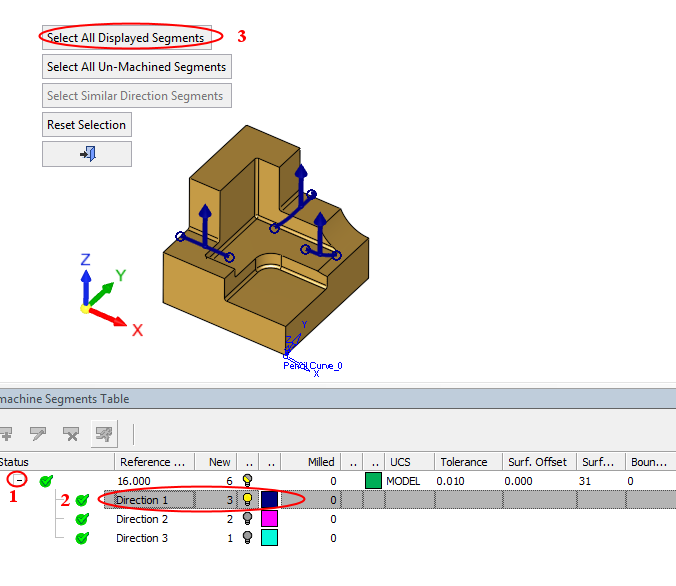
Expand the direction rows
-
Select the first direction row , which has zero tilt angles
-
Click Select All Displayed Segments to select all the segments in this direction.
-


