|
|
Editing a Segment Row Step 12
-
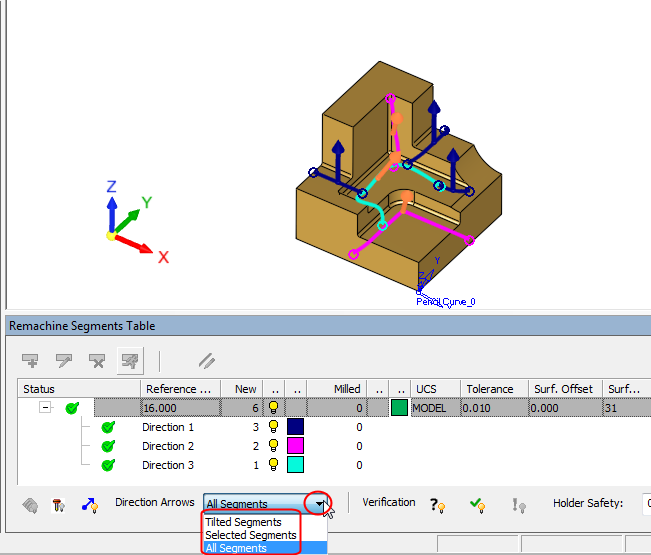
Select the segments row and click Show Direction Arrows on the bottom left of the Remachine Segments Table.
Arrows now appear on the graphics pane and show the direction that is assigned to each segment.
Notice the Direction Arrows dropdown that enables filtering between Tilted Segments, Selected Segments, and All Segments. For Selected Segments, you must then select which segment(s) to show.