|
|
Using Segments Step 3
-
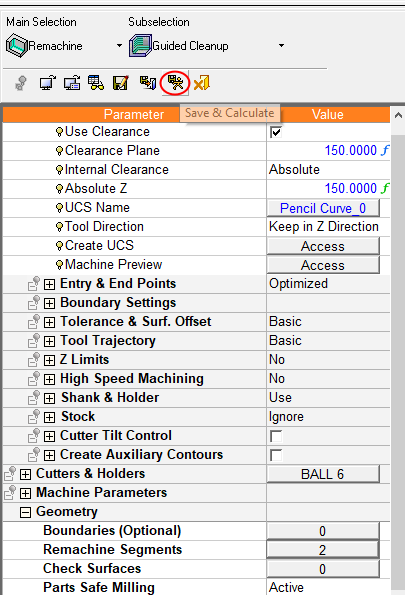
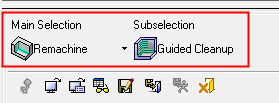
Start a new Guided Cleanup procedure.
-
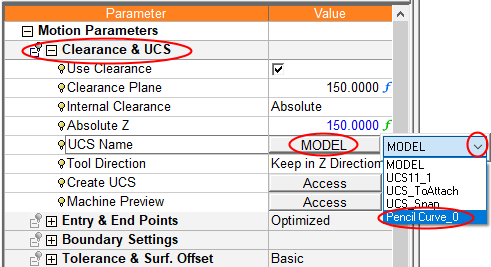
For its UCS, select Pencil_Curve_0.
-
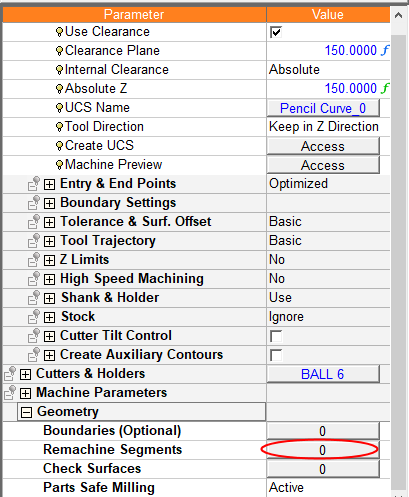
Click the Remachine SegmentRemachine Segment value.
-
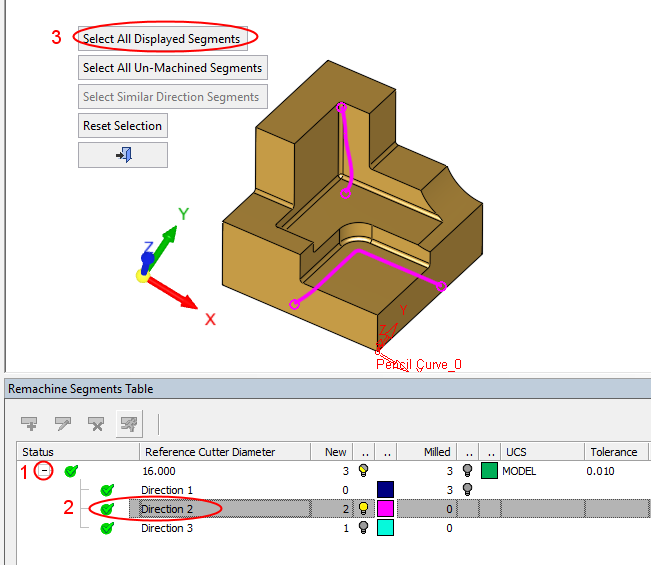
Expand the direction rows
-
Select the segments in direction row #2
-
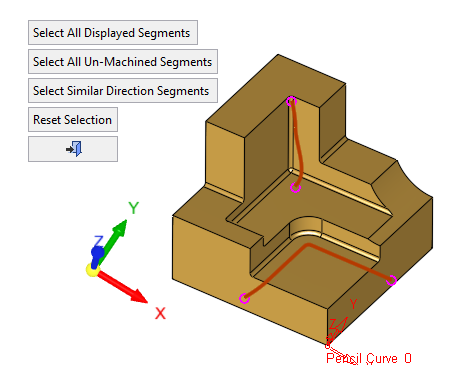
Click Select All Displayed Segments to select all the segments in this direction. These are the segments that were assigned with a different direction when the Pencil_Curve_0 UCS was created.
-
-
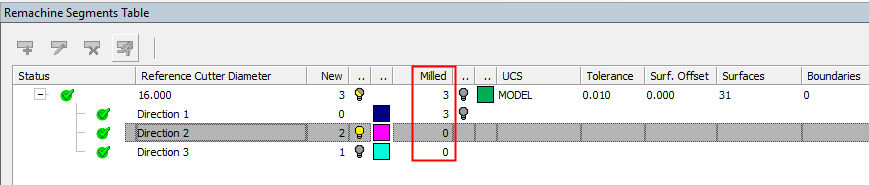
Notice the segment counter columns in the table.
The three segments from the first direction row are marked as milled (in the previous procedure).
There are three new segments left in two different directions.
-
Click OK and ExecuteExecute the procedure. Notice the inclined orientation as the UCS direction.
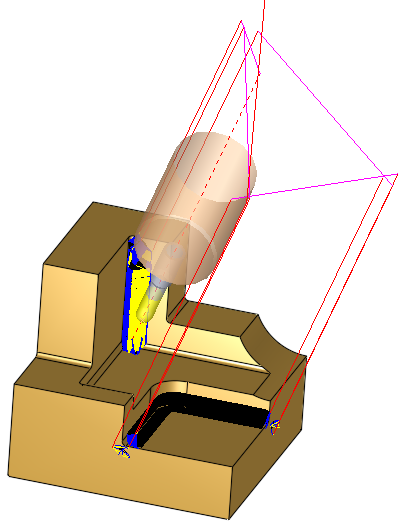
This is the way to handle machining of the segments using their different assigned directions in 3+2X.