|
|
Define Springs Excluded from the Tree
Exclude from Tree
-
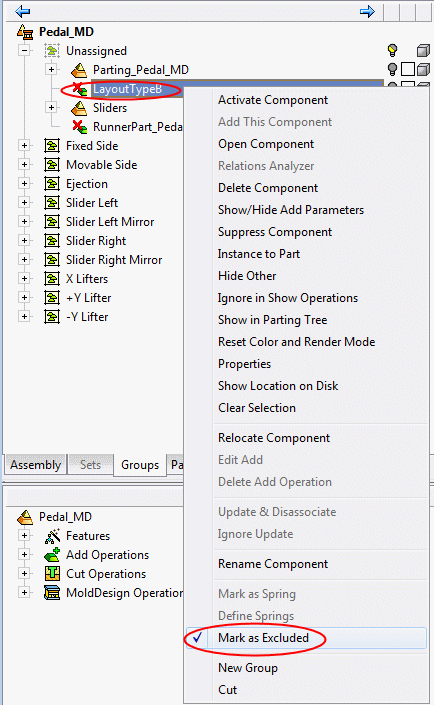
Parts that are not involved in the motion simulation are marked as excluded components (an X symbol appears by their icons). To change the status of a tree element to exclude or include a part or assembly, right-click it, and change the Marked as Excluded option.