|
|
Applications
-
Open the Impeller.elt file.
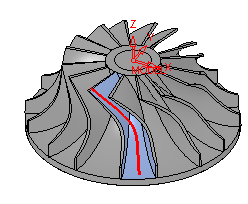
Milling impellers can be particularly complicated. The tool must be tilted constantly to avoid gouging. Four application modules are now available to help the user get the best toolpath possible.
-
Create a new procedure.
In 5X Advanced, click Pro >Impeller > Roughing.
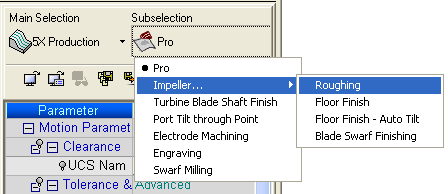
 Note: Applications are available only under 5X TP. Several applications can create a 4X TP, with appropriate settings.
 Choose the B3 cutterB3 cutter.
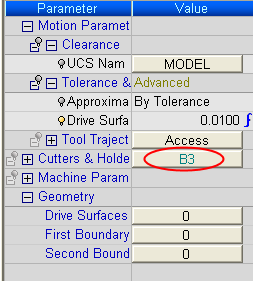
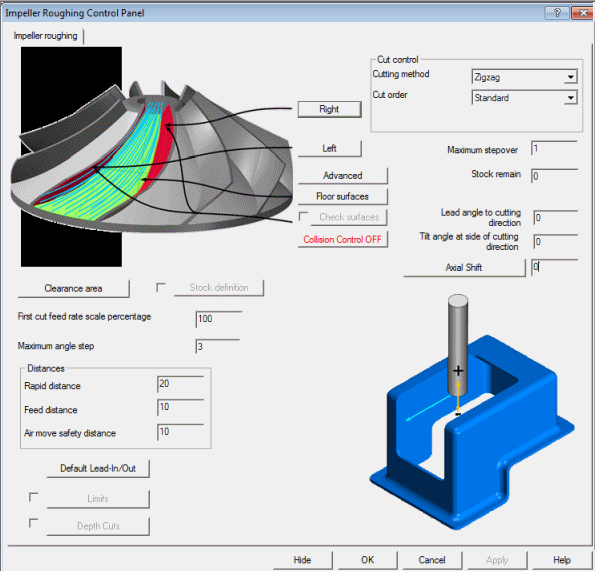
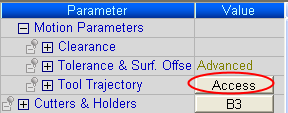
Click on the Access button; the simplified Control Panel opens.
Note: Behind the scenes, the Morph Between 2 Surfaces option (within the Pro package) has been selected. The number of sub-options has been greatly reduced, such that you need to set only the most relevant ones to get the best results.