Axis Intersection 


Access: Invoke this function from one of the following locations:
-
Click the
button in the toolbar. -
Select Wireframe > Datum > Axis Intersection from the menu bar.
Create an axis at the intersection of two planes or faces.
|
Demo: Press the button below to view
a short movie demonstrating the function:
|
Practice: Press the button below to open Cimatron with a practice ELT file similar to that used to create the movie (if the relevant feature already exists in the ELT file, you can either edit it or delete it and create a new feature). |
|
|
|

General Interaction
The following is the Feature Guide for Axis Intersection.
|
|
|
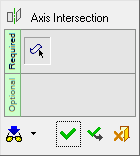
 Tip: You can open the Feature Guide at any time by right-clicking the mouse in the graphic display area.
Required Step 1 
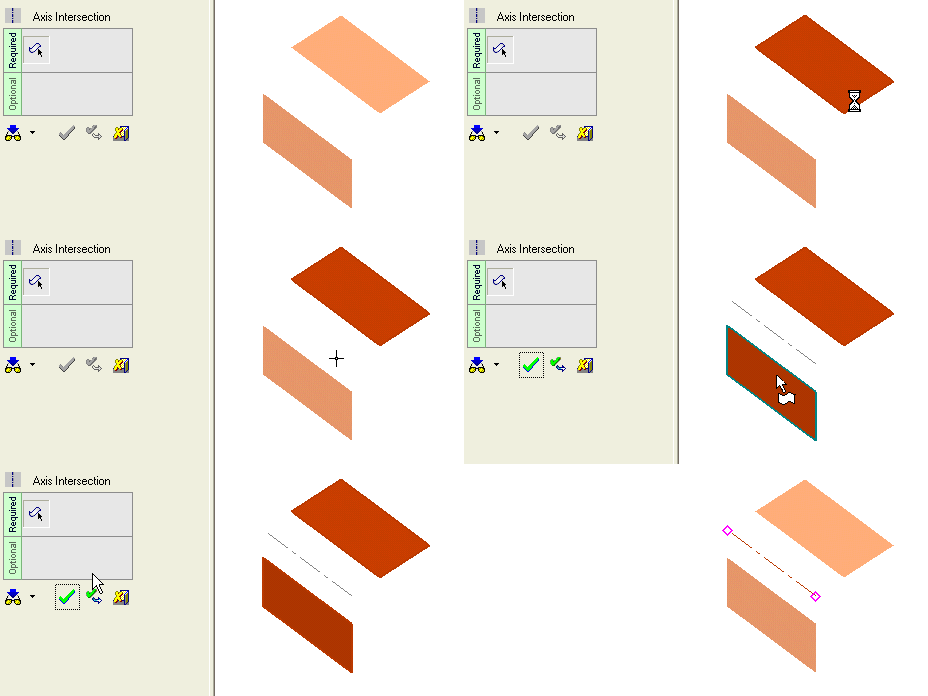
Pick two intersecting planar faces / planes.
|
2 intersecting planes: |
Result: |
|
|
|
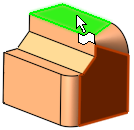
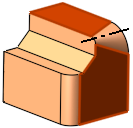
Note: You can pick one or both faces / planes and then enter the Axis Intersection function. If you do this, the selected entities will automatically be included in Step 1.
When you are finished, press OK  or Apply
  in the Feature Guide to complete the function.
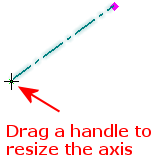
The datum axis now appears, with drag handles for resizing.
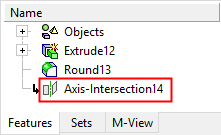
When completed, the Axis-Intersection feature will appear in the Feature Tree as follows: