Drawing Tree: Popup Operations
Drawing Tree popup submenus are displayed by right-clicking on an item in the appropriate tree. The popup submenu displayed will depend upon the level of the item selected.
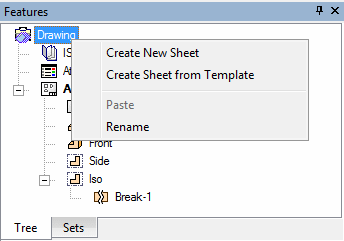
DrawingDrawing  : Create New Sheet, Create Sheet from Template, Paste, Rename.
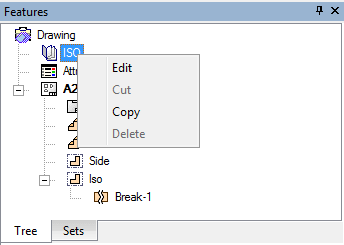
StandardStandard  : Edit (drafting standard), Cut, Copy, Delete.
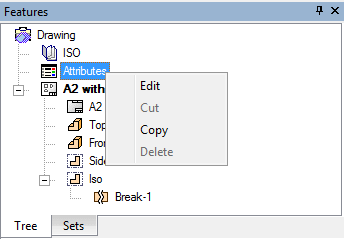
View AttributesView Attributes  : Edit (view attributes), Cut, Copy, Delete.
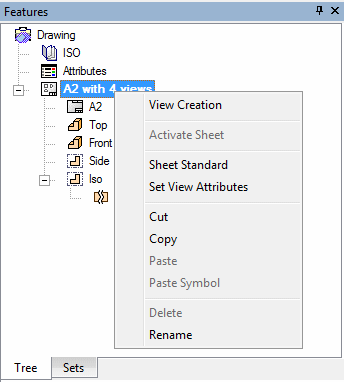
SheetSheet  : View Creation, Activate SheetActivate Sheet, Sheet Standard, Set View Attributes, Cut, Copy, Paste, Paste Symbol, Delete, Rename.
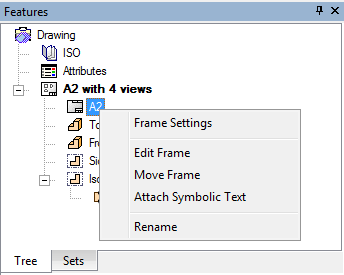
FrameFrame  : Frame Settings, Edit Frame, Move Frame, Attach Symbolic Text, Rename.
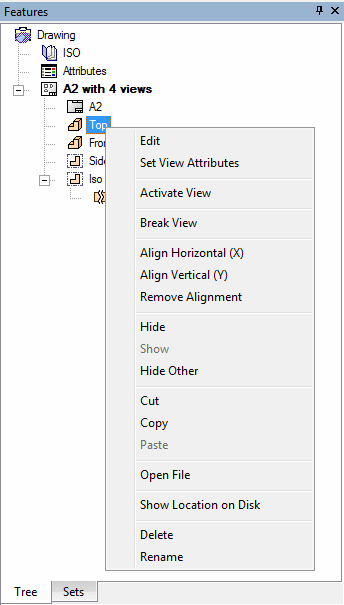
ViewView  : Edit (view parameters), Set View Attributes, Activate ViewActivate View, Break View, Align Horizontal (X), Align Vertical (Y), Remove Alignment, Hide/Show, Hide Other, Cut, Copy, Paste, Open FileOpen File, Show Location on Disk, Delete, Rename.
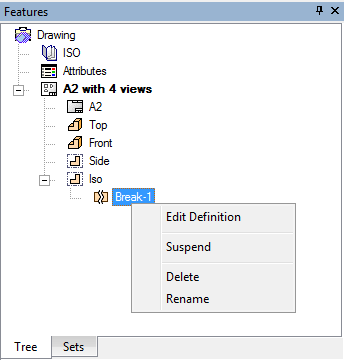
Broken ViewBroken View  : Edit Definition, Suspend/Unsuspend, DeleteDelete, RenameRename.
Note: For an explanation of Cut, Copy, Paste, Delete and Rename, see General Options.
