Actspark Wizard
After the part has been defined, click the Wizard iconWizard icon located in the process tab.
If the Wizard icon is not active, check if the part is selected on the tree. If it is selected and the icon remains greyed, the defined machine has no available wizard.
The next window is displayed:
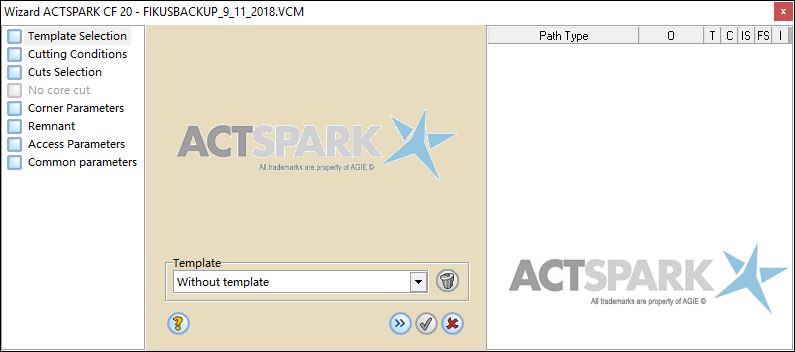
The windows are divided in two main areas.
When the cutting strategy is defined, information about the amount of cuts that will be applied to complete the job will be showed on the right side.
See Cuts Information for more.
In this section
- Template Selection
- Cutting Conditions
- Cuts selection
- Pocketing - No core cut
- Corner parameters
- Sequence definition
- Access parameters
- Technological common parameters
