|
|
5X Finish Parallel with Lead Angle
5X Finish Parallel
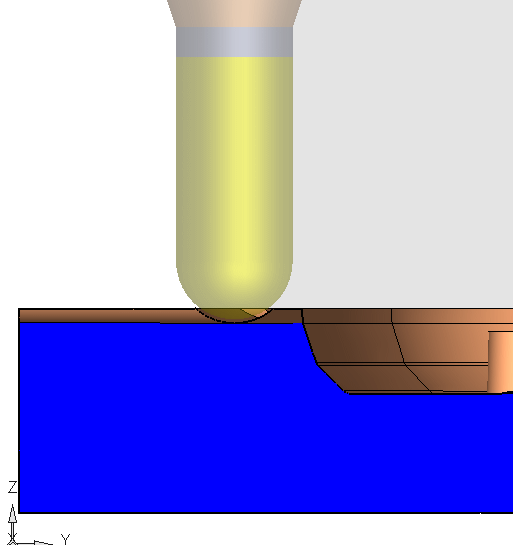
In order to improve surface quality, it is better to touch the material with a point on the cutter that is as close as possible to its outer diameter, where the tangential velocity is at its highest. This can be achieved by giving the tool a lead angle which will cause the touch point to move away from the tool center. In the Finish Parallel case, the cutter is tilted forward in the direction of the parallel lines.
-
Load the 5x_Lead.elt file.
-
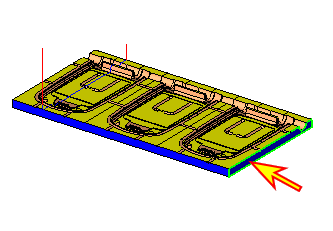
Create a dynamic section selecting the face indicated by the arrow in the following image:
-
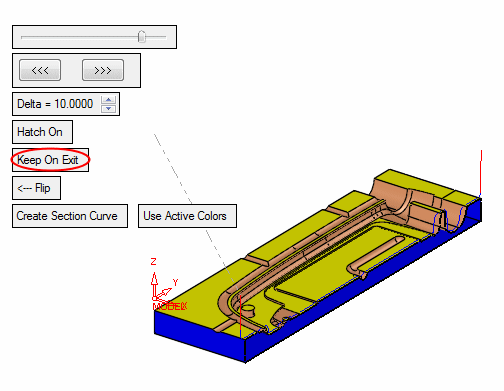
Drag the section to the TP motions.
Click Keep On Exit.
-
Enter the Navigator.
Note that the tool is always in the Z direction.