|
|
Actions
Actions 1
Up until now, the exercise reviewed a few of the measuring cycles to understand the logic of operation. We will now practice what should take place after the measurement on the machine has ended.
-
Reactivate the MODEL UCS.
These instructions are set in the Action(s) parameters in the procedure setting. -
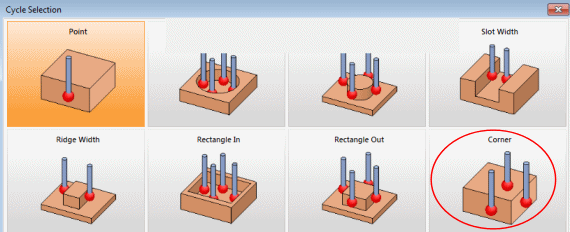
Start a new Measurement procedure and select Corner.
-
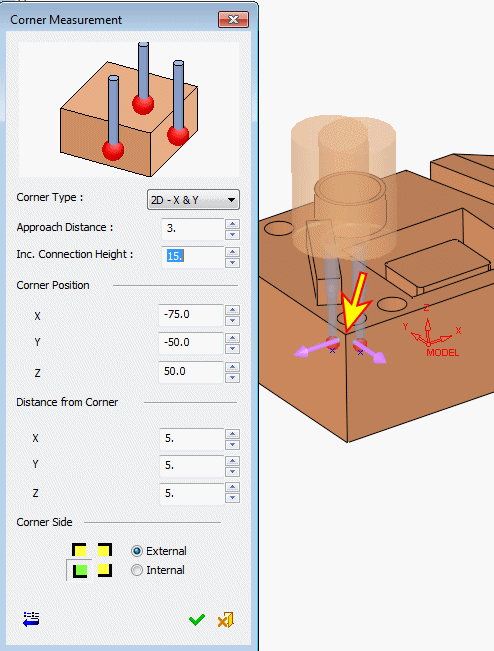
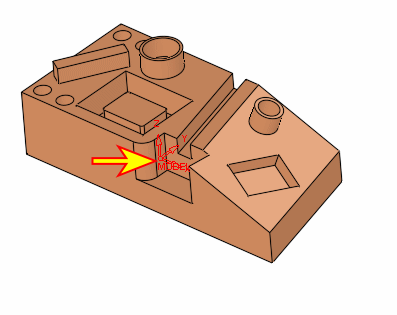
When the Corner Measurement dialog opens, pick the upper near left corner as shown below and set the parameters as shown in the following image: