|
|
Solids (Add/New/Remove) - Activate -Step 2
-
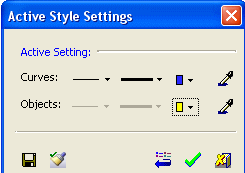
Through the Active Style Settings dialog, change the Object Color to Yellow.
-
Create a circular extrusion on top of the object using Add Extrude.
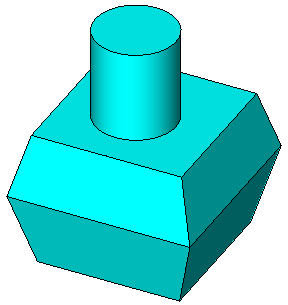
This feature is blue even though the default object is yellow. This is because the feature is added to the original object.


