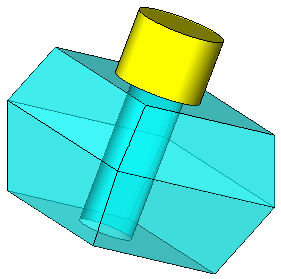
|
|
Solids (Add/New/Remove) - Activate - Step 4
-
Restore the filter defaults.
-
ActivateActivate
 (Solid > Activate Object) the yellow cylinder, sketch a circle on the top of the cylinder, and select Remove Extrude from the popup menu.
(These functions are available when customizing the toolbarscustomizing the toolbars.
Add the Activate button to a toolbar as required.) -
Use the parameters shown below:
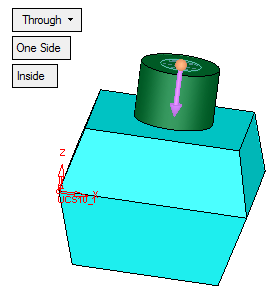
-
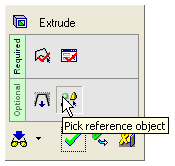
Click on the Reference Object iconReference Object icon and pick the bottom object.
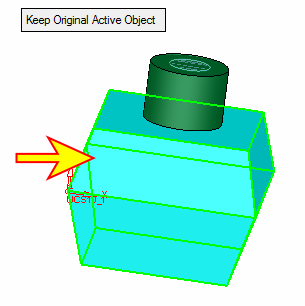
The extrusion will only pass through the reference object (the yellow object remains unchanged).