|
|
5X Milling: Freeze Stock and Connection
Activate UCS
In this exercise, we will mill the part using the three different machining directions.
-
Open the 5X Milling.elt file.
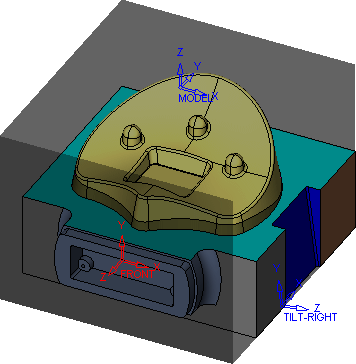
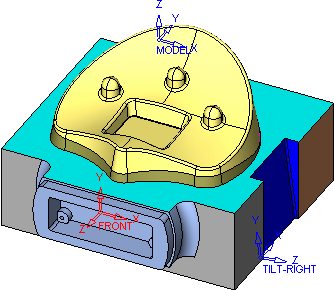
The UCS have been highlighted for clarity.
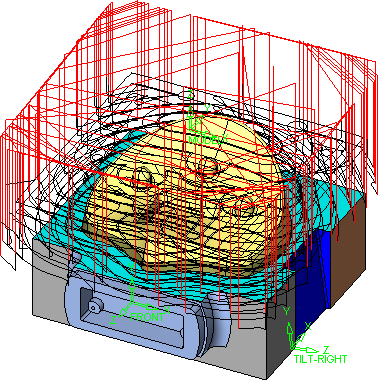
The Toolpath and Rough procedure are orientated by the Model UCS.
We will now machine the front of the part by activating a UCS specific to its machining direction. -
Hide the Rough procedure and activate the Front UCS from the UCS dropdown in the Icons Toolbar.
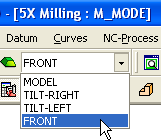
The Front UCS of the part is now active.
-
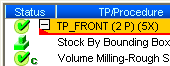
HighlightHighlight the Toolpath and create Stock Type by Box.
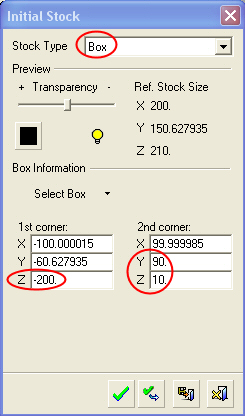
The stock position is based on the active UCS (Front).