|
|
Activate
-
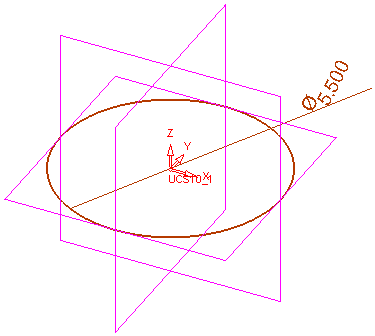
On the XY plane, draw the following sketch.
The right vertical line must not be vertically constrained.
-
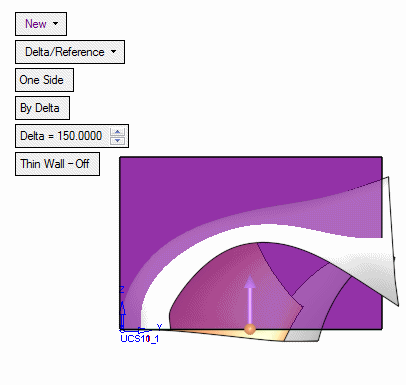
From the sketch, create a new extrude in the +Z direction:
-
Activate the box within the extrude function (notifying Cimatron which object to cut). Select Wireframe > Datum > Plane Parallel.
-
Select the bottom of the extrude, and enter a delta of 3.5 for the Offset in the +Z direction.
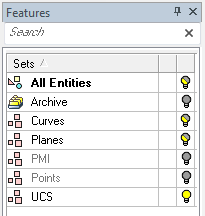
The Planes set now shows a mixed statusmixed status in the Sets Tree as the plane created above is shown while the Main Planes remain hidden.
-
On the plane created, drawdraw the following shape:
-
ShowShow
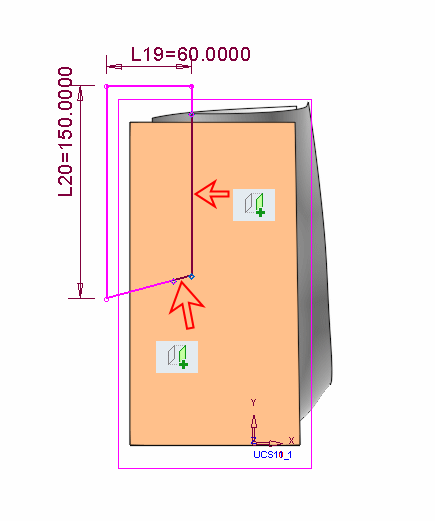
 the first sketch created.
 -
Click Add Geometry to create the following sketch:
-
Exit the Sketcher.
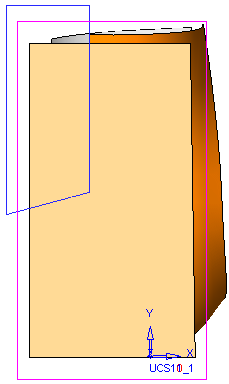
-
-
Select Solid > Extrude (Remove) and set the following parameters:
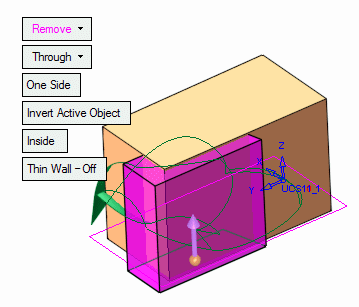
-
In the Optional tab, click on the Pick Reference Object icon to select an object to activate.
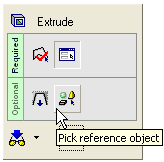
-
Pick the Box object created.
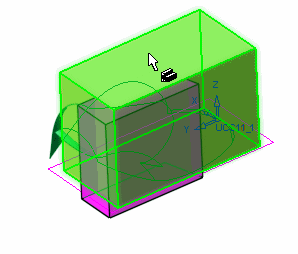
-
Click OK in the Feature Guide.
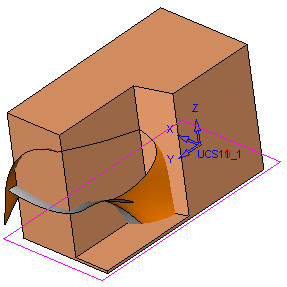
On exiting the function, notice the extrude object is deactivated. The Object was only activated (temporarily) within the extrude function.


