|
|
Open Edges
Before carrying out a Boolean operation, we need to verify there are no open edges within the part.
-
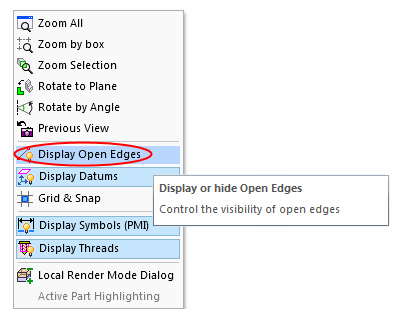
Display open edges by clicking the middle and right mouse buttons simultaneously and selecting the Display Open Edges option:
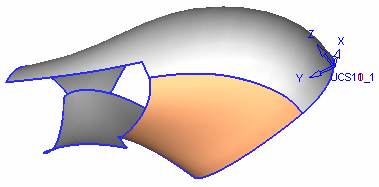
The open edges are displayed, including two on the blend surface just created.
-
Select Faces > Stitch.
-
Click the Select AllSelect All
 button to pick three faces, and click OK in the Feature Guide.
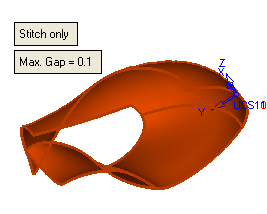
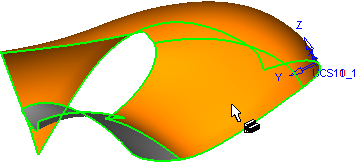
There is now one object consisting of three faces with no internal open edges.
-
Clear the open edges from the display by clicking the middle and right mouse buttons simultaneously and deselecting the Open Edges option.


