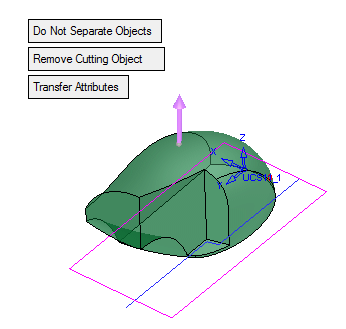
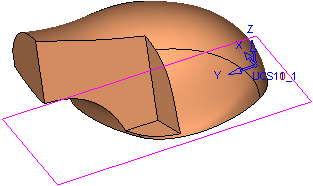
|
|
Cut
-
Select Solid > Cut.
-
Choose the extrude as the object to be trimmed.
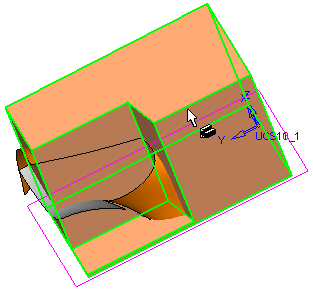
-
Click the Middle Mouse Button to accept and set the second object as the cutting object.
-
Accept the default setting, Remove Cutting Object, to remove the shaped faces after this operation.
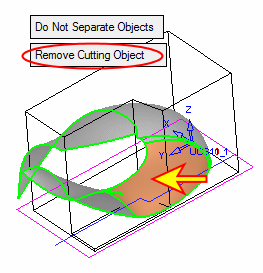
-
Flip the cutting side as necessary, and click OK in the Feature Guide.
Click on the head of the arrow to flip the trimming side.