|
|
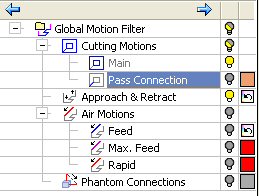
Pass Connection
-
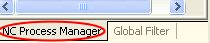
Click the NC Process Manager tab at the lower area of the pane.
-
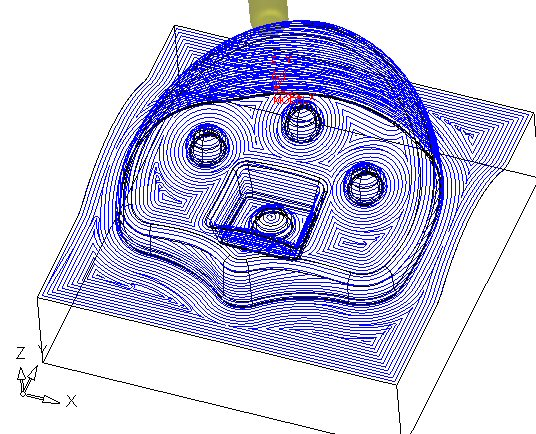
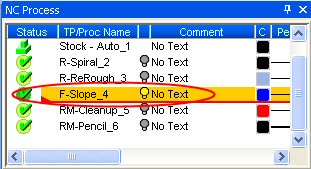
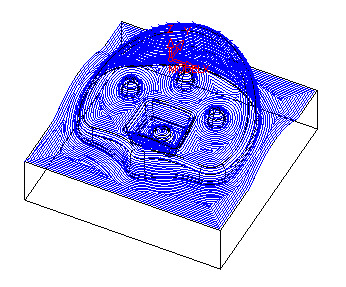
Hide all procedures except for the F-Slope_4.
-
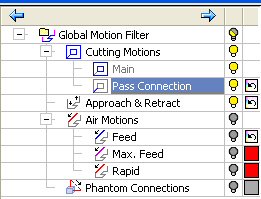
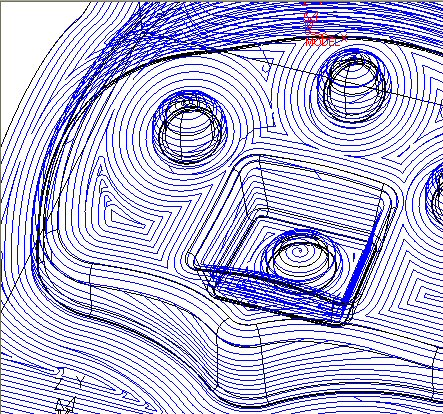
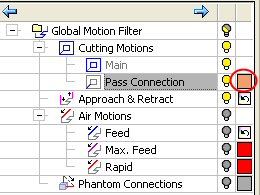
Click the Pass Connection bulb to turn it off and on.
Types of Cutting Motions
- Main – Main motions that cut the part.
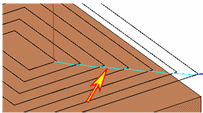
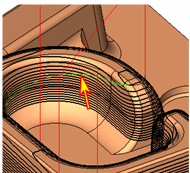
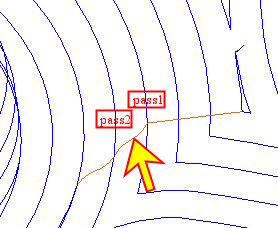
The Main motions in Global Filter are always in Show mode. This is to avoid cases where the procedures are shown in the Process Manager but no toolpath is displayed. (The main motion can be manipulated through the Navigator filters.) - Pass Connections – Cutting motions that connect two passes.
- Main – Main motions that cut the part.
-
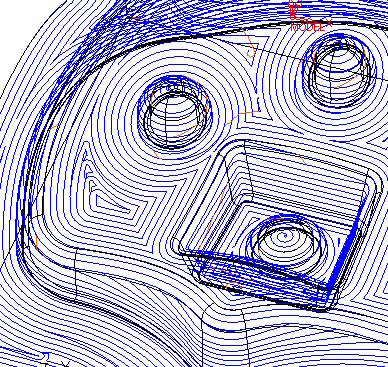
Change the color of the Pass Connection to ORANGE.
-
Hide the Pass Connection.