|
|
Blend
-
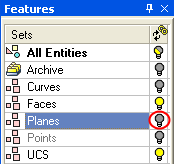
Hide the Planes set.
-
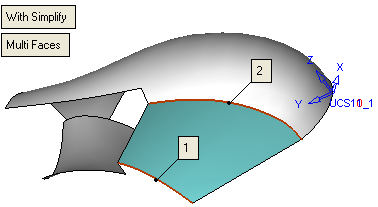
Select Faces > Blend.
-
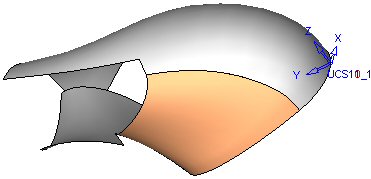
Select the following two edges:
-
Select the Define Slope Weight iconDefine Slope Weight icon from the Optional section in the Feature Guide.
-
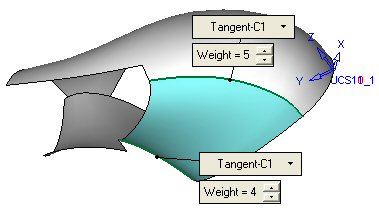
Now define the slope weight as follows:
-
Accept these values.