|
|
5X Milling - Trimming
Boundary Offset
5X Trimming cuts surface edges after a vacuum forming process, deep drawn sheet metal parts, and composite laminated parts.
-
Show only the 5X-Trimming set.
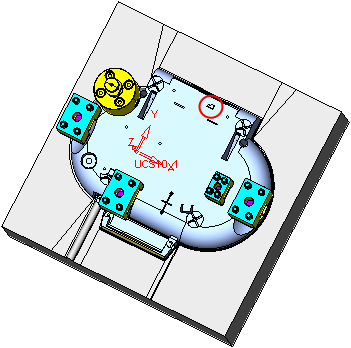
-
Hide the first toolpath and create a 5 Axis toolpath as shown in the following image:
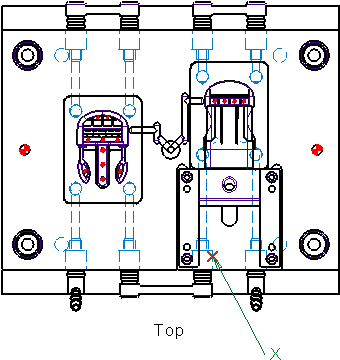
5x Trimming and Connection procedures may also be performed using a 3 Axis toolpath.
-
Select Contour Milling / 5x TrimmingContour Milling / 5x Trimming.
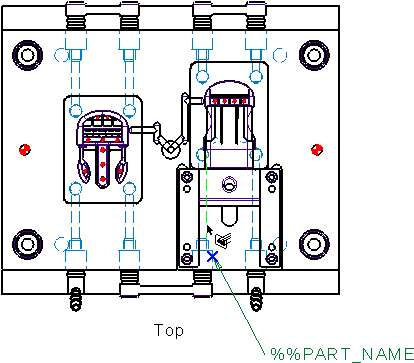
-
Select All Displayed Part Surfaces and the following contour (Along Open Edges)following contour (Along Open Edges):
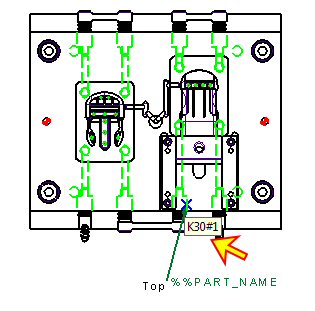
 Select the Advanced Selection tab.
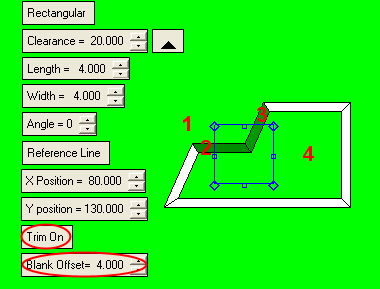 Create the composite Along Open Edges. Select OK.
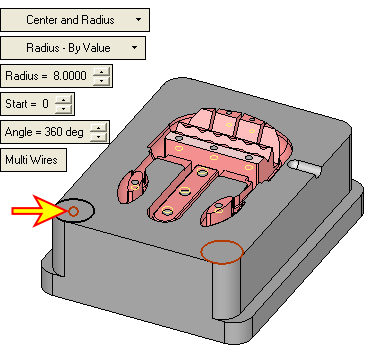 Accept the default settings. Select OK.
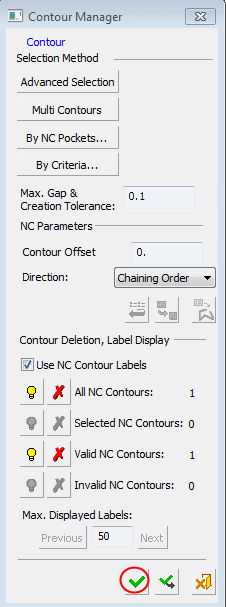 .
. -
Set the parameters as shown in the following image:
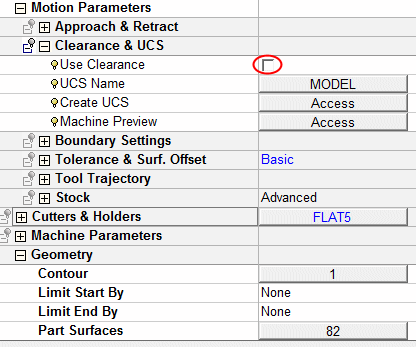
-
Save & calculate the procedure.
The start point of the machining is the same as the start point of the contour selection.


