|
|
Cut
Bounded Face
-
Create Main Planes via Wireframe > Datum > Main Planes.
-
Create a plane parallel with the ZX plane with a Delta of 55 in the +Y direction.
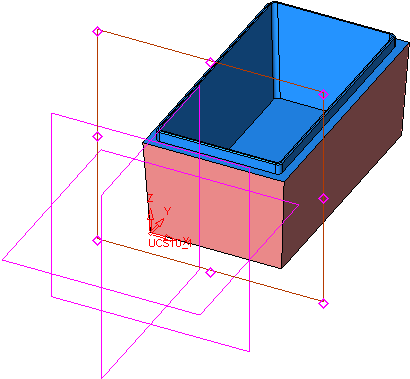
-
Draw the following sketch on the plane:
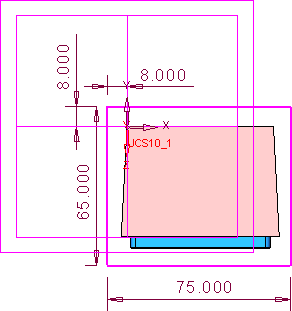
-
Exit the Sketcher, and right-click to select Bounded face from the dropdown menudropdown menu.
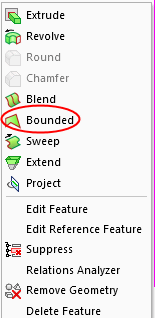
-
Click OK in the Feature Guide.


