|
|
By Length
-
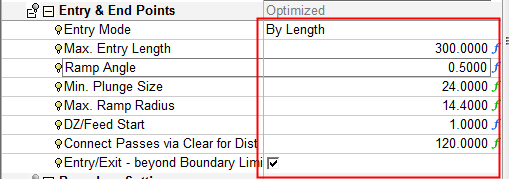
Change the Entry Mode to By Length and set the Max. Entry Length parameter to 300.
-
Save and calculate the procedure.
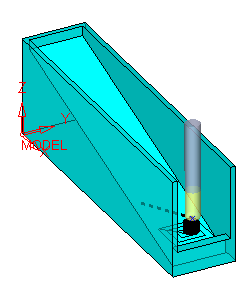
In the first and last layers, when the pocket start point is far from the open air, the tool plunges into the material.
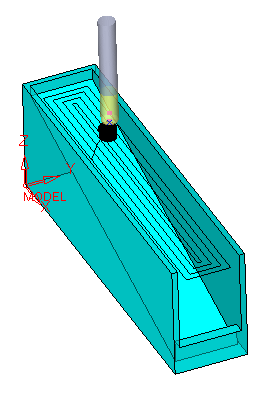
In the middle layers, when the pocket start point is closer to the open air, the tool plunges in the air and then makes a slotting motion to the start point.
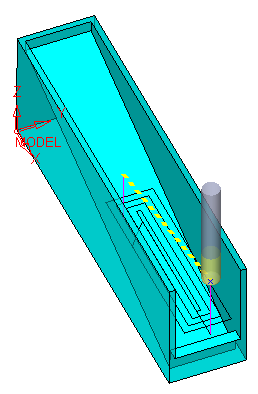
In the last two layers, when there is no option to plunge in the air, the tool plunges in the material again.
-
Change the Max. Entry Length parameter to 150.
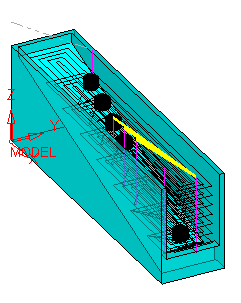
The tool plunges in more of the layers.
This is because in these layers, the distance between the start point (at the open end of the pocket) and the outer air is larger than 150.


