|
|
Chamfer Detect Step 4
30° Chamfer Geometry Top
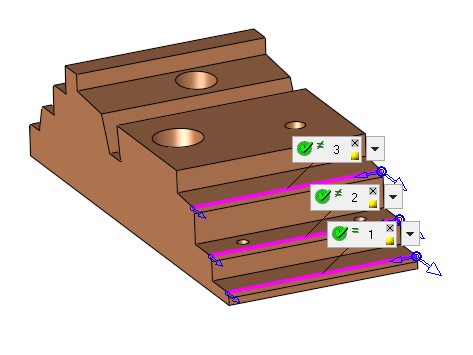
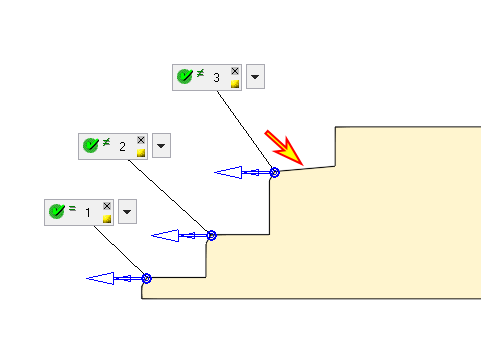
We will now look for 30° chamfers.
-
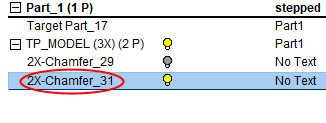
Copy and paste the first procedure and open it for editing.
-
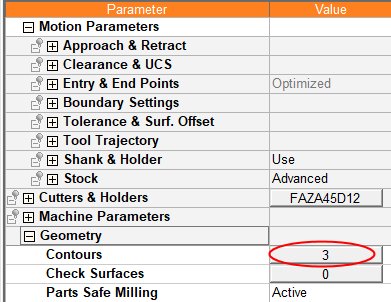
Click the Contours button.
-
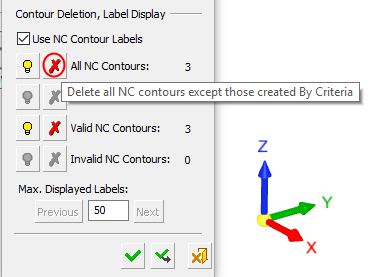
In the Contour Manager dialog, delete the old NC contours.
-
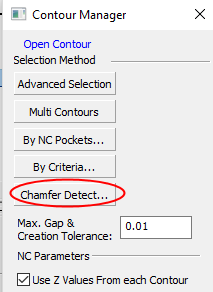
Click Chamfer Detect.
-
In the dialog, set the values as shown in the following image and limit the detection process for only 30° chamfers.
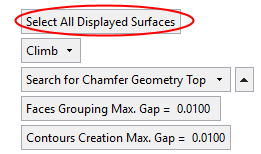
This time set the parameter, Search for Chamfer Geometry Top, and select all the surfaces of the stepped object.
Then apply.
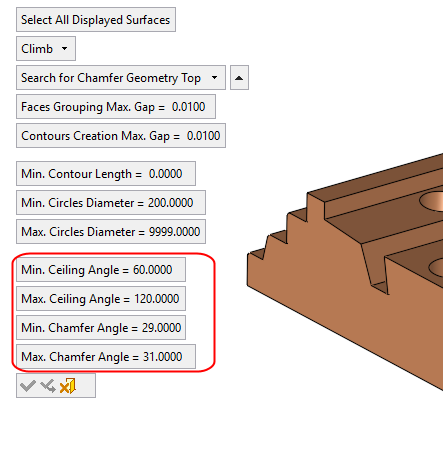
Because Min. Chamfer Angle = 29 and Max. Chamfer Angle = 31, the system detected only 30° designed chamfers.