|
|
Chamfer Detect Step 5
Notice the following image, the upper step ceiling is not parallel to XY plane.
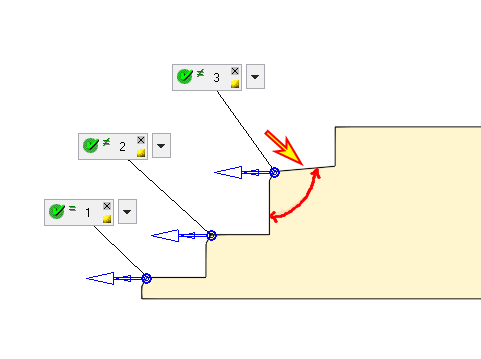
If we do not want to mill this chamfer, we will ignore it by setting a new range for the search.
-
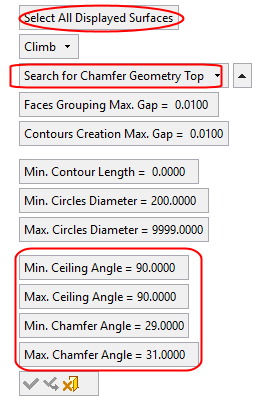
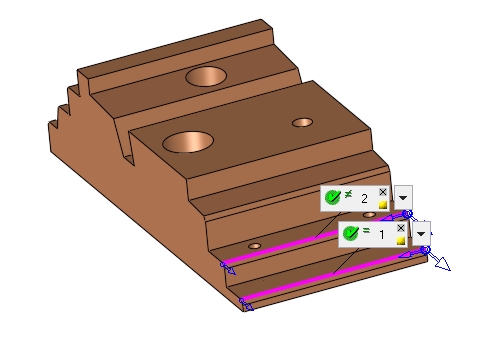
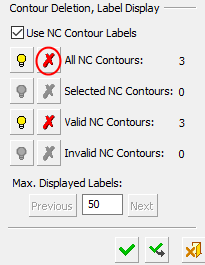
Repeat the step and search only for 30° Chamfers with Parallel Ceiling. In the Contour Manager dialog, delete the old NC contours.
-
Click Chamfer DetectChamfer Detect .
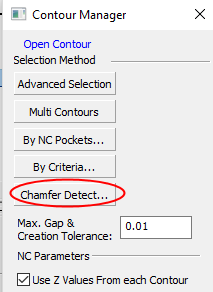
-
Set the parameters as shown in the following image. Select all the surfaces of the stepped object and Apply.