|
|
Create a Simple 5X Production Pro Procedure
-
Create a new 5X Production Pro procedure.
-
Click the BALL3 button in the Motion Parameters table to access the Cutter dialog.
-
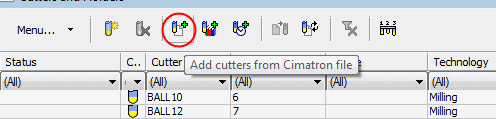
Click the Add cutters from Cimatron FileAdd cutters from Cimatron File button from the Simple_NC_Complete.eltSimple_NC_Complete.elt
 file.
file.
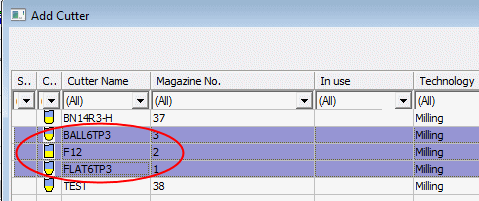
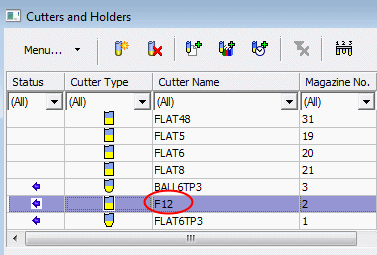
Select the three cutters indicated in the following image and click OK.
-
Use the existing F12F12 cutter.
-
Set the procedure parameters as shown in the following image: