|
|
Create Groups - Step 2
-
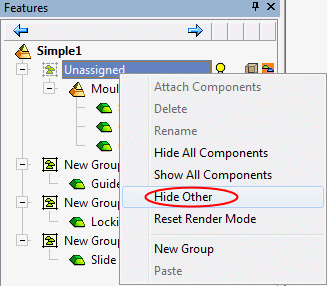
Select the Unassigned Components set, click the Right Mouse Button (RMB), and select Hide Other.
Change Group colors in the list of defined motion simulation groups.
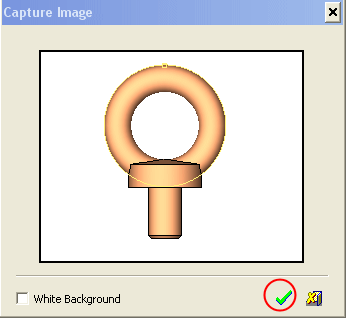
The unassigned components are now shown. -
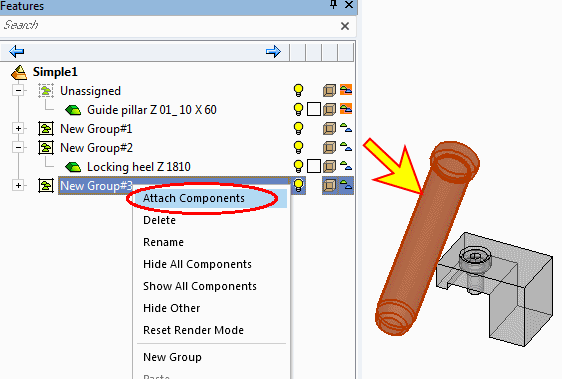
Select Guide Pillar Z01, then right-click the third group and click Attach Components to add the pillar to the selected group.