|
|
Create a New Library
-
From the Cutters > Cutter Locations Manager dialog menu, click the Create a New LibraryCreate a New Library
 button.
 -
Name the new library Tutorial and click OK.
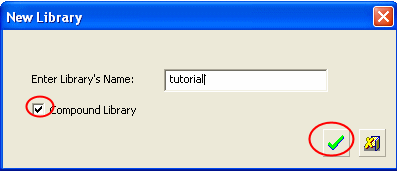
The new library (Tutorial) opens. Currently, the library is empty. -
Select the Browse button to define locations or files.
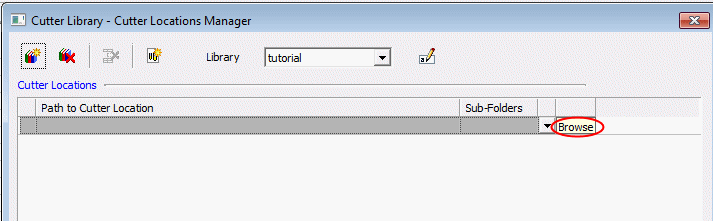
-
Select the Tool_MM_Lib.chl file located in the following folder:
-
Click Select to select the file and its location.

-
Click Browse button in the second row.
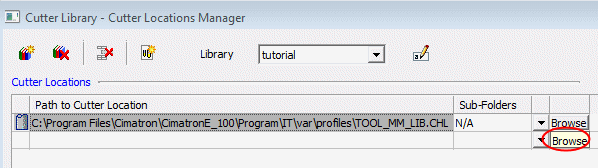
-
Now select the Cutters.elt file.

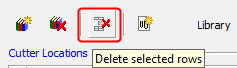
You can delete rows by selecting the required rows and clicking the Delete Selected Rows icon. Do not delete any row.