|
|
Create a New Library File
-
From the Cutter Library > Cutter Locations Manager dialog menu, click the Create New CHL FileCreate New CHL File
 button.
 -
Name the new .chl file Exercise and click OK.
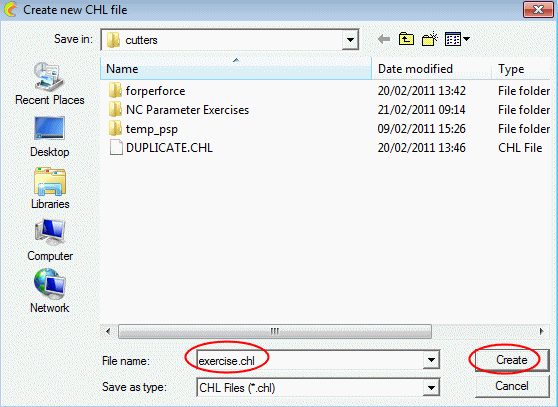
The new .chl file appears in the new library (Tutorial) and is currently empty. -
Select OK to approve the creation of the Tutorial library.
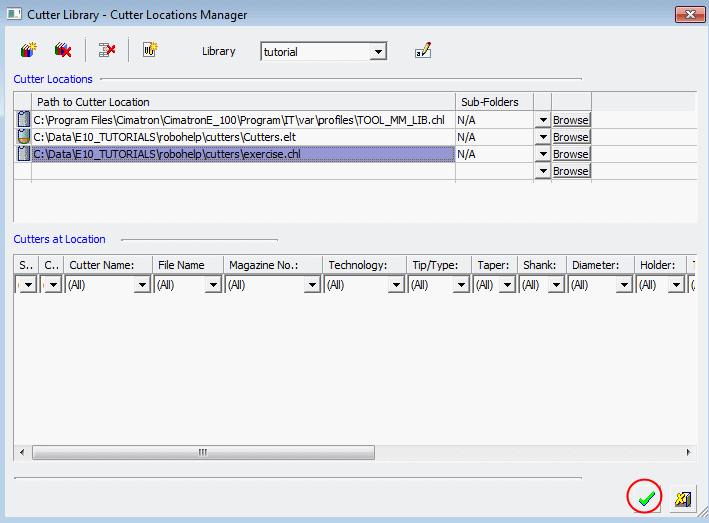
The list of the defined libraries and their contents can be found in the following folder:
Cutters libraries file: NcCutterLibrary.xml
Holders libraries file: NcHolderLibrary.xml


