|
|
Parallel to Curve
-
Click the Access button to open the 5X Production dialog. (Do not select any geometry.)
-
In the Surface Paths tab, select the Parallel to Multiple CurvesParallel to Multiple Curves pattern.
-
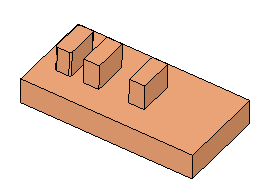
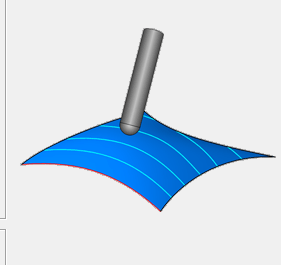
Use the Edge Curves and Drive SurfacesEdge Curves and Drive Surfaces buttons in the dialog and select the geometry as shown in the following image:
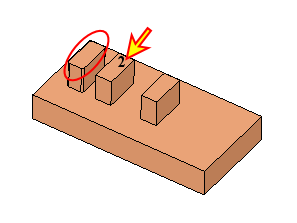
Select the curve from the Curves set as the single edge.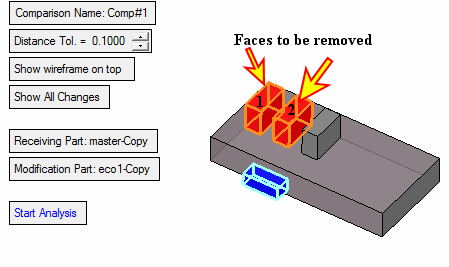
-
Click the Link tab and change the following values:
-
First Entry to Approach from rapid distance
-
Last Exit to Retract to rapid distance
-
-
Select OK and Save & Calculate the procedure.
-
Use the Navigator to simulate and examine results.
Notice that the cutter is normal to the faces at each point.