|
|
Cuts Along Curve
-
DisplayDisplay the Axis set.
- Click the Sets Tab button.
- Display the Axis set.
- Click the Sets Tab button.
-
Double-click the procedure to edit its parameters.
-
Click the AccessAccess button. Change the strategy to Cuts Along Curve.
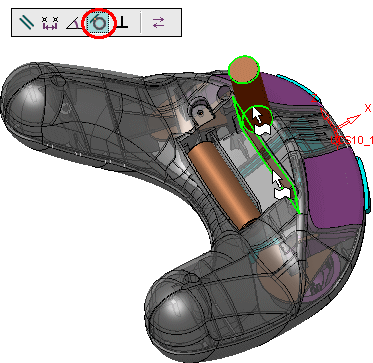
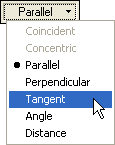
-
Click the Lead button and pick the center axis, then Exit.
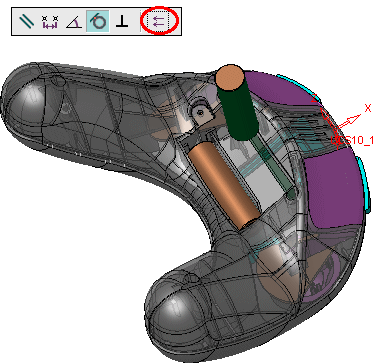
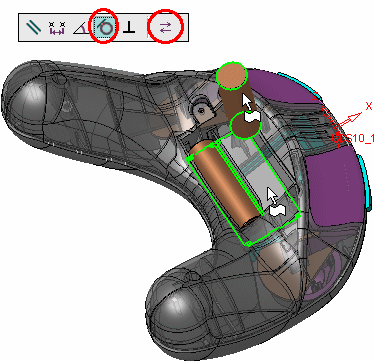
-
Exit. Click OK in the Contour dialog.
-
Click OK in the 5X Production Control Panel.
-
In the Procedure Parameter Table, click the Save and Calculate button
 .
.This is another way to obtain the required motions without having to calculate the angles required, as in the previous definition.
The cuts are performed normal to the leading curve. They begin at the side that is closer to the pick point on the leading curve.
Notice the gaps between the first and last lane and the cylinder edges as indicated by the arrows in the picture below. The size of the gap is half of the step over. The cuts are performed normal to the leading curve. They start at the side that is closer to the pick point on the leading curve.