|
|
Full Start and End at Exact
-
Edit the procedure.
-
Select the Full Start and End at Exact option as the Area Type.
-
Mark the checkbox for the Start Point and click the Start Point button.
-
Click the ... button next to the Position option.
-
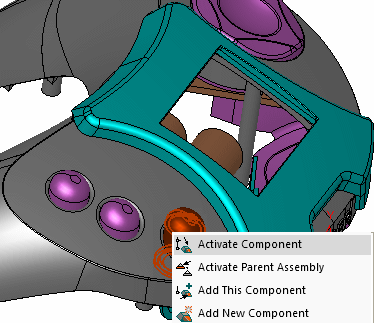
Define the start point and set the Y to -100.
-
Click OK in the Start Point dialog.
-
Execute the procedure.
Notice the difference between the start points before and after execution.
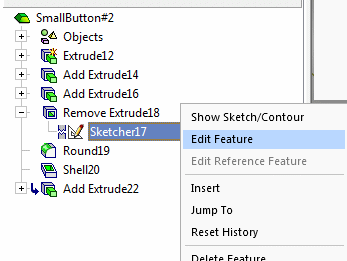
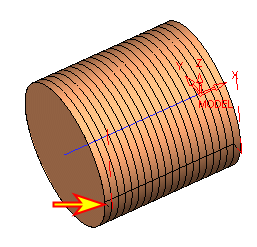
Note that the definition of a start point is only a hint for the system (it does not need to be exact) as it tries to locate the nearest possible position next to your point.
Also, note that the toolpath will be generated on the whole surface, exactly up to the surface edge or close to the nearest possible position.