|
|
Selecting Geometry and Motion Parameters
-
Click Drive surfaces to select the relevant geometry.
-
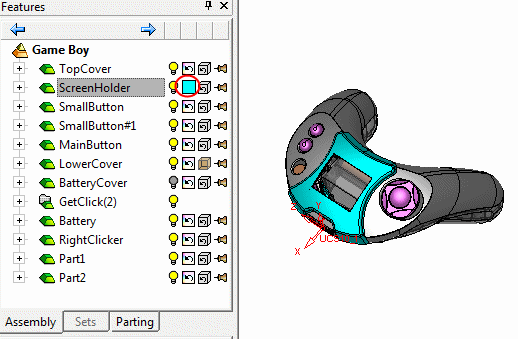
Select the entire geometrySelect the entire geometry and Exit.
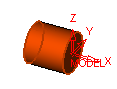
-
In the Sorting area (bottom left of the 5X Production Control Panel dialog), change the Cutting method to One Way.
-
In the Surface Quality area, change the Maximum Stepover to 10 mm.

The One Way cutting method is similar to Unidir in other procedures, and Maximum Stepover is similar to either Side Step or Down Step, depending on the Angle in Z.
When the Z Angle causes the motions to proceed from top to bottom, the Maximum Stepover value resembles Down Step.
-
Click OK.
-
In the Procedure Parameter Table, click the Save and Calculate icon.