|
|
Cutter Management Operations
The default library is displayed below.
The name of the currently displayed library is Default MM Lib and it contains, by default, only the local .chl files (TOOL_MM_LIB.CHL).
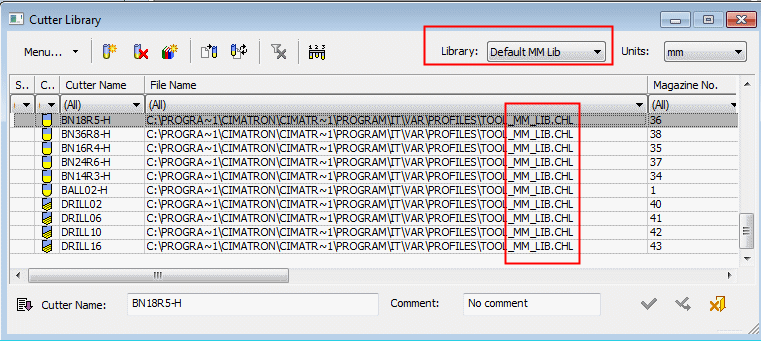
Cutters that belong to the .chl files can be edited and deleted.
-
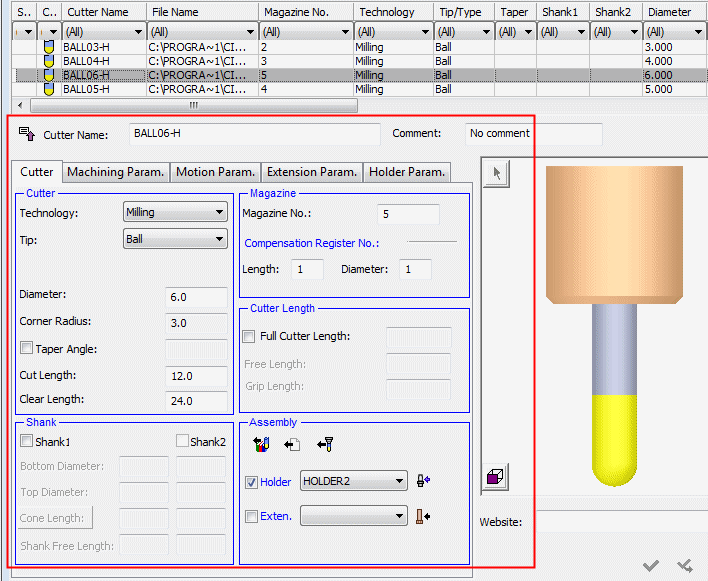
Select one of the cutters and note that you can modify its parametersparameters.
-
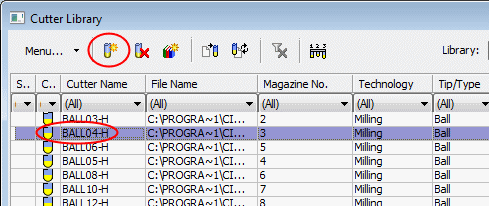
Select the Ball04-H cutter and click the New Cutter button to create a new cutter in the library.
-
Do not change any of the parameters. Click Apply.
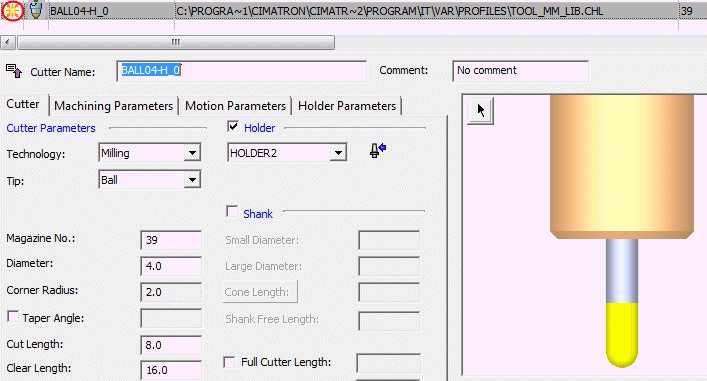
The new cutter was added to the library―It is placed in the current .chl file. -
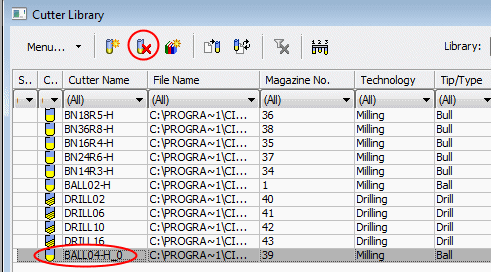
Delete the created cutter.