|
|
Cycles Logic 2
-
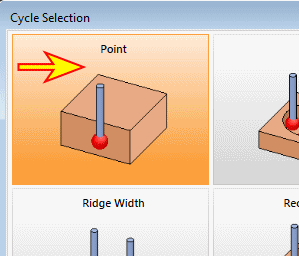
Double-click the Point cycle option.
The Point Measurement dialog opens.
In general, every cycle has a different dialog as it must have different parameters to handle. -
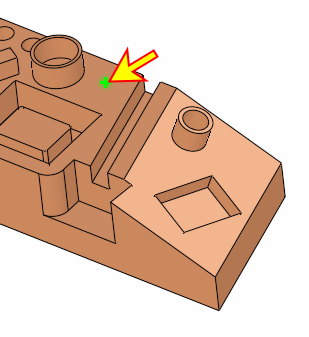
Pick a point to measure as shown in the following image:
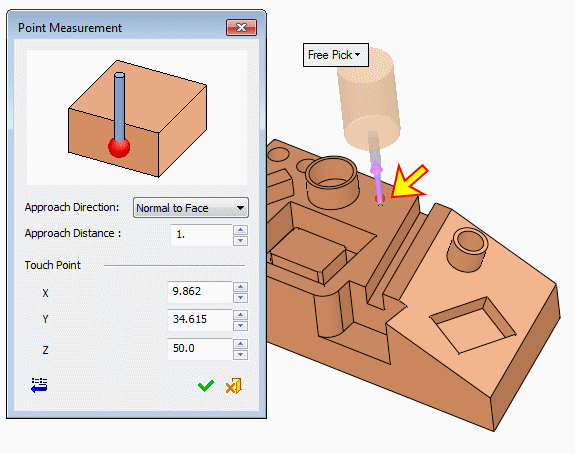
The coordinates of the point are automatically updated.
Note that it is possible to manually edit the values or type them manually.


