|
|
Deburring 3
-
Do not set anything here to have the detection unlimited.
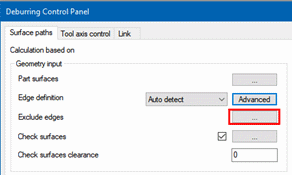
The Exclude Edges option enables you to select edges that you do not want to be machined. The selection can be conducted via the Contour Manager, as with any other contour selection in the system.
-
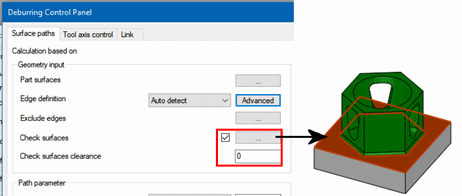
Mark the Check surfaces checkbox.
Click the selection button and pick the green face at the top of the geometry base.
Leave the Check surfaces clearance as 0. -
-
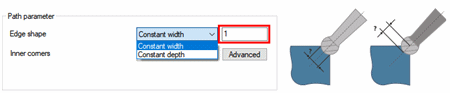
Set the Edge Shape as 1 mm - A very small value will just skim the edge and a bigger one will actually create a chamfer. Make sure that this value is specified as Constant width.
The other option for it is Constant Depth-With Constant Depth, the actual width depends on the edge angle. With shallow angles, the width will be much bigger compared to an edge with a small angle.
-
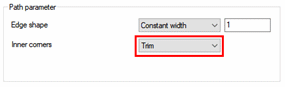
Set the Inner corners parameter as Trim.