|
|
Delete 1
-
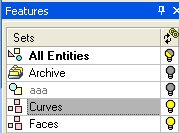
Turn on the Curves set.
-
Select the contour shown in the following image:
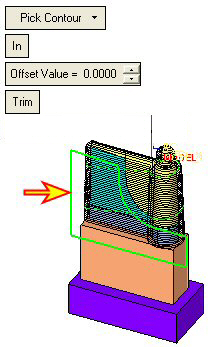
In this case, we will delete the motions of the area bounded by the contour. These faces are not part of the burning faces and, therefore, do not require a Finish Milling technology.
-
Click Preview. The preview displays the following:
-
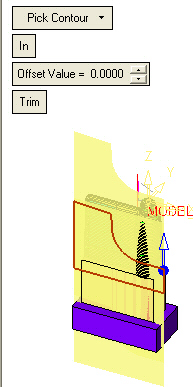
A prism that is an extrusion of the selected contour in the displayed direction (by default it will be Z direction).
-
A preview of the deleted operation.
-
-
Set Direction
Set the Front view. -
Click the arrow and set the direction, Normal to Screen.
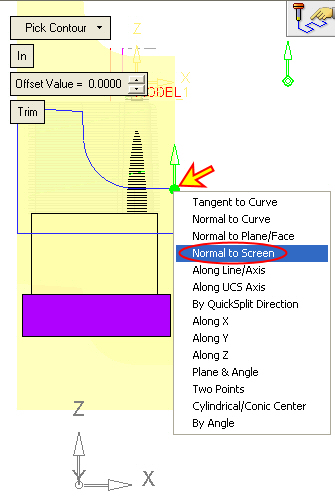
When clicking the Set Direction Normal to Screen button, the system projects the contour in the normal direction to the current view.
-
Click the Preview button, then rotate the view.
Both the prism and the result of the deleted preview are displayed.