|
|
Delete 3
-
Because we do not want to cut the Rapid motion, turn it off using the Global FilterGlobal Filter.
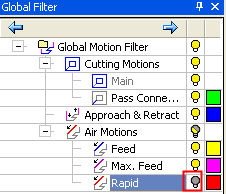
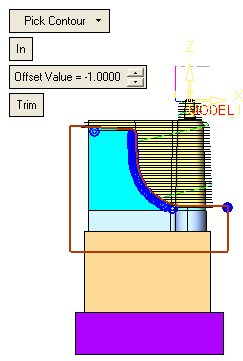
The Global Filter and/or the Navigator are both available at all times when working with the Motion Editor.
-
Click OK.
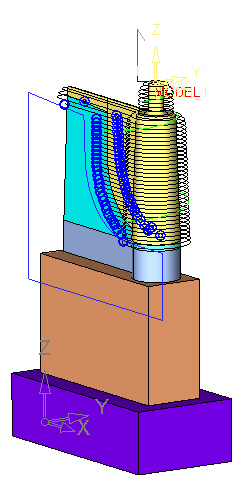
In another scenario, a user may want to trim motions out of several specific layers. In this case, perform the following:-
Enter the Navigator and hide the rest of the toolpath (leave only the relevant motions on).
-
Trim the motions using the Delete tool in the Motion Editor.
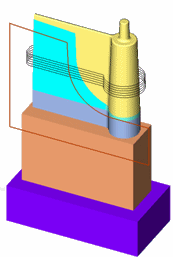
When trying to exit from the Motion Editor Environment, a message is displayed requesting you to first close the gaps using the Connect option or by restoring the original toolpath.
-
-
Close the file. Use the Restore Original option to exit the Motion Editor.


