|
|
Step 13 - Dimensioning
Use the Dimension toolDimension tool 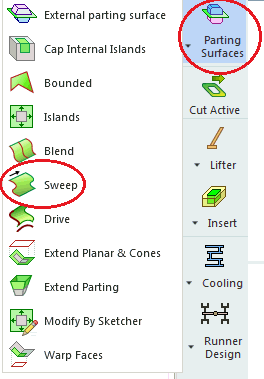 to dimension the box.
-
Click the bottom line of the box.
-
Click below the line to position the dimension.
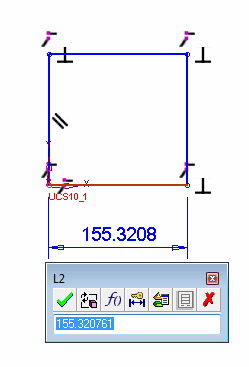
The dimensions of the selected line are displayed. For example:
-
In the dimension dialog box text field, enter 30 and press Enter.
-
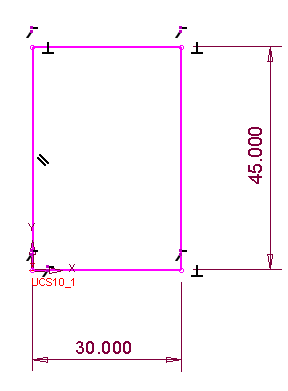
Click on the right-hand line and enter 45 so your sketch appears as follows.
-
Click on the Zoom All iconZoom All icon
 to view the whole sketch in the display.


