|
|
Drive - Step 3
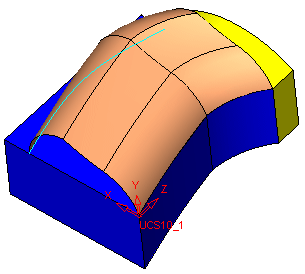
Six faces are created.
|
Entity |
Curves |
Faces |
|
Section (sketch) contains |
3 simple curves |
None |
|
Spine (composite curve) contains |
2 simple curves |
6 |
-
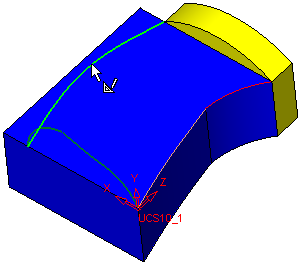
Edit the Drive feature and select the other composite curve as the spine instead of the preselected one.
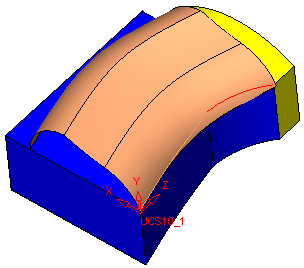
This time three faces were created since the spine is only one curve.
-
Delete the Drive feature.


