|
|
Edit Hierarchy
-
Click the Optional step, Edit Hierarchy.
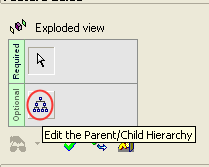
You must click the parent component to select it before you can click Edit Hierarchy.
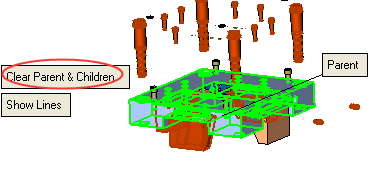
The system shows the current children of this parent. If it is a new parent, no children will be highlighted.
Select or deselect children of this parent.
When you have finished defining the children, press Clear Group to approve the parent children group. -
Pick plate K20 (the parent).
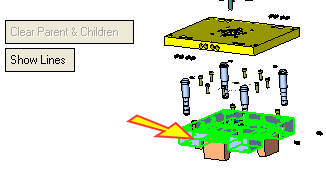
Note that the three locking heels are children of this element.
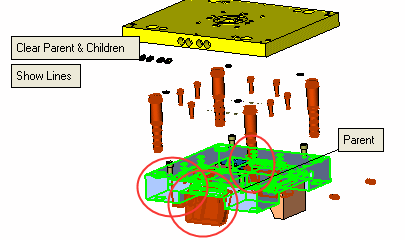
-
Confirm (accept the current status) by selecting the Clear Parent & Children button.