|
|
Editing a Segment Row
Editing a Segment Row Step 1
-
While the segment row is selected, click the Edit Remachine Segments button.

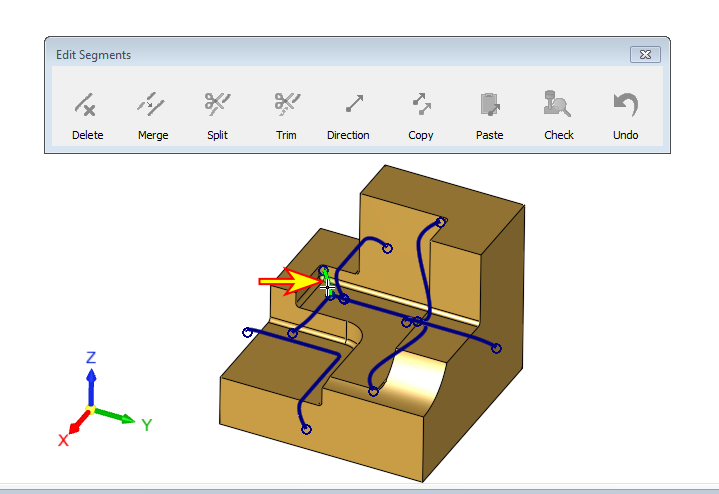
A new Edit Segments dialog opens. Note that all edit options are inactive at this point. -
Select the segment indicated by the arrow in the following image: