|
|
Editing a Segment Row Step 2
-
Note that after a segment is selected, all the relevant edit options became active. Click Delete.

-
As a result, the selected segment has been deleted and the row in the table shows one less segment. Eight instead of nine. Deleting a segment will prevent it from being machined later on.
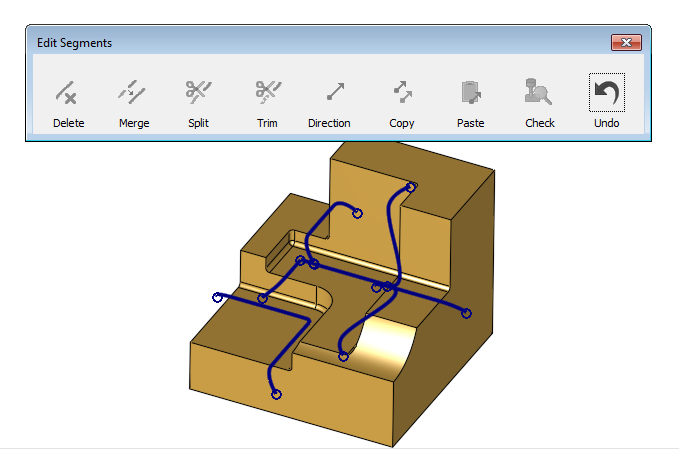

Notice the Undo option, which enables you to revert every change done. It is possible to play back all changes, one by one.



